
 Home
 Partners
 Clients
 Career
 Blogs
 Case Studies
 Contact Us
Approval Management for Odoo
Streamline your approval workflows inside Odoo. Configure categories, define sequential approval chains, submit requests, and get approvals- all within Odoo 19.
Module Components
Six core components that power the YmApprovals module inside Odoo 19.
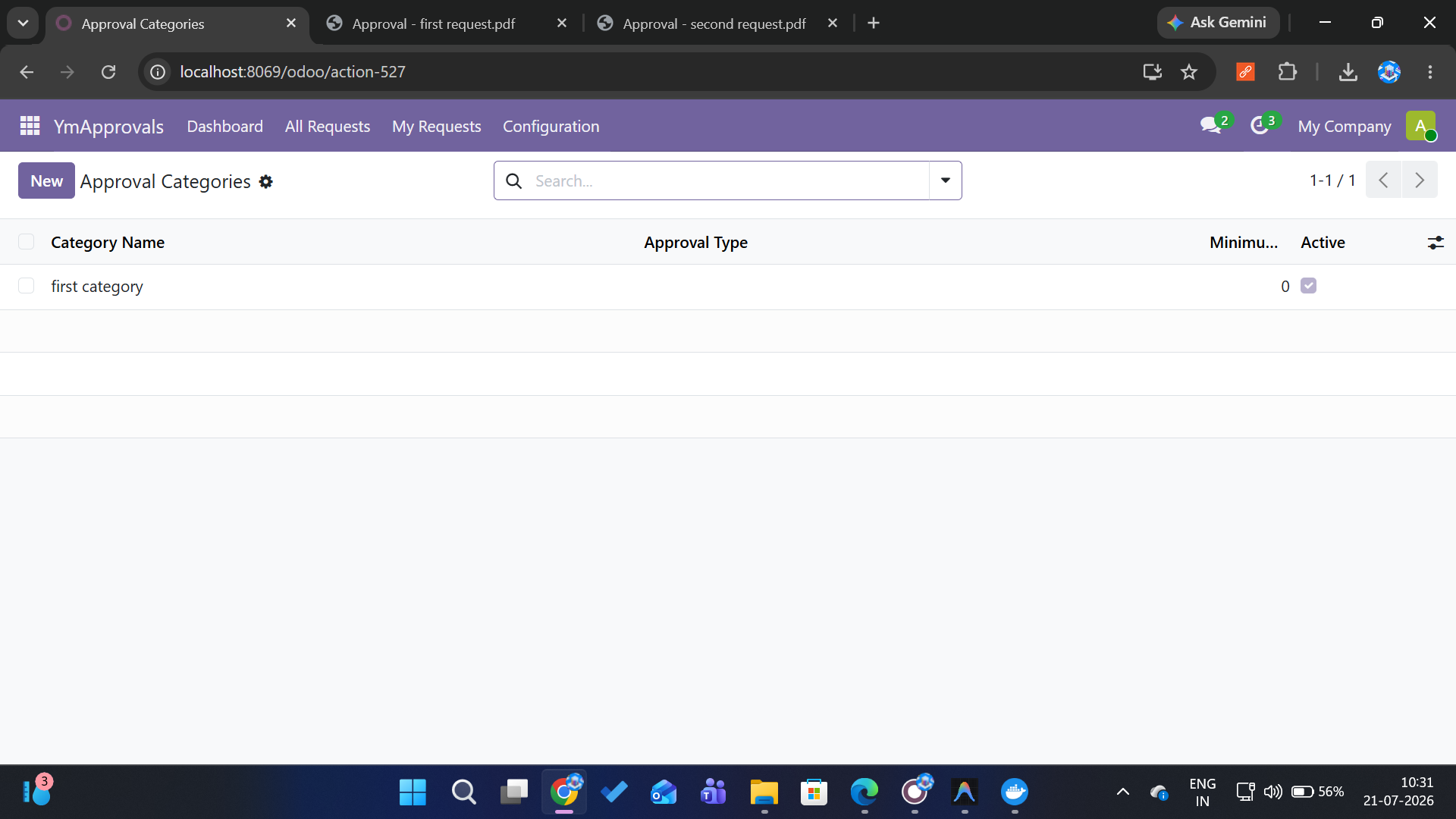
Approval Categories
Create and configure approval categories (Procurement, Finance, General, etc.). Set which fields are required- document, amount, date, products- and define template approvers.
Approval Requests
Submit approval requests with dynamic fields based on category configuration. Attach documents, enter amounts, add product line items, and describe your request.
Sequential Approval Chain
Multi-level sequential approvals with automatic activity scheduling. Each approver reviews in order; one rejection ends the chain. Manager auto-assigned at sequence zero.
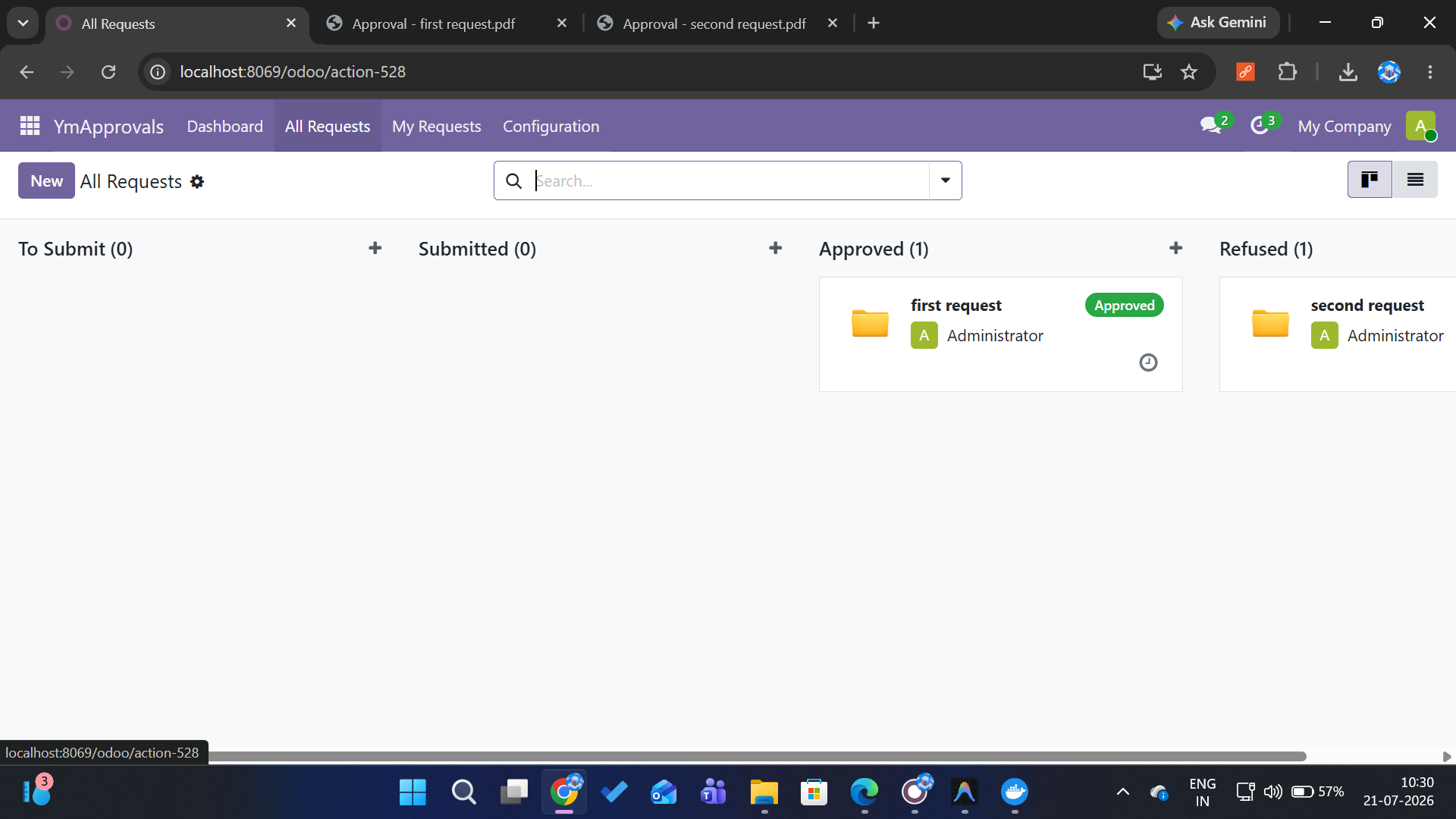
Dashboard & Kanban Views
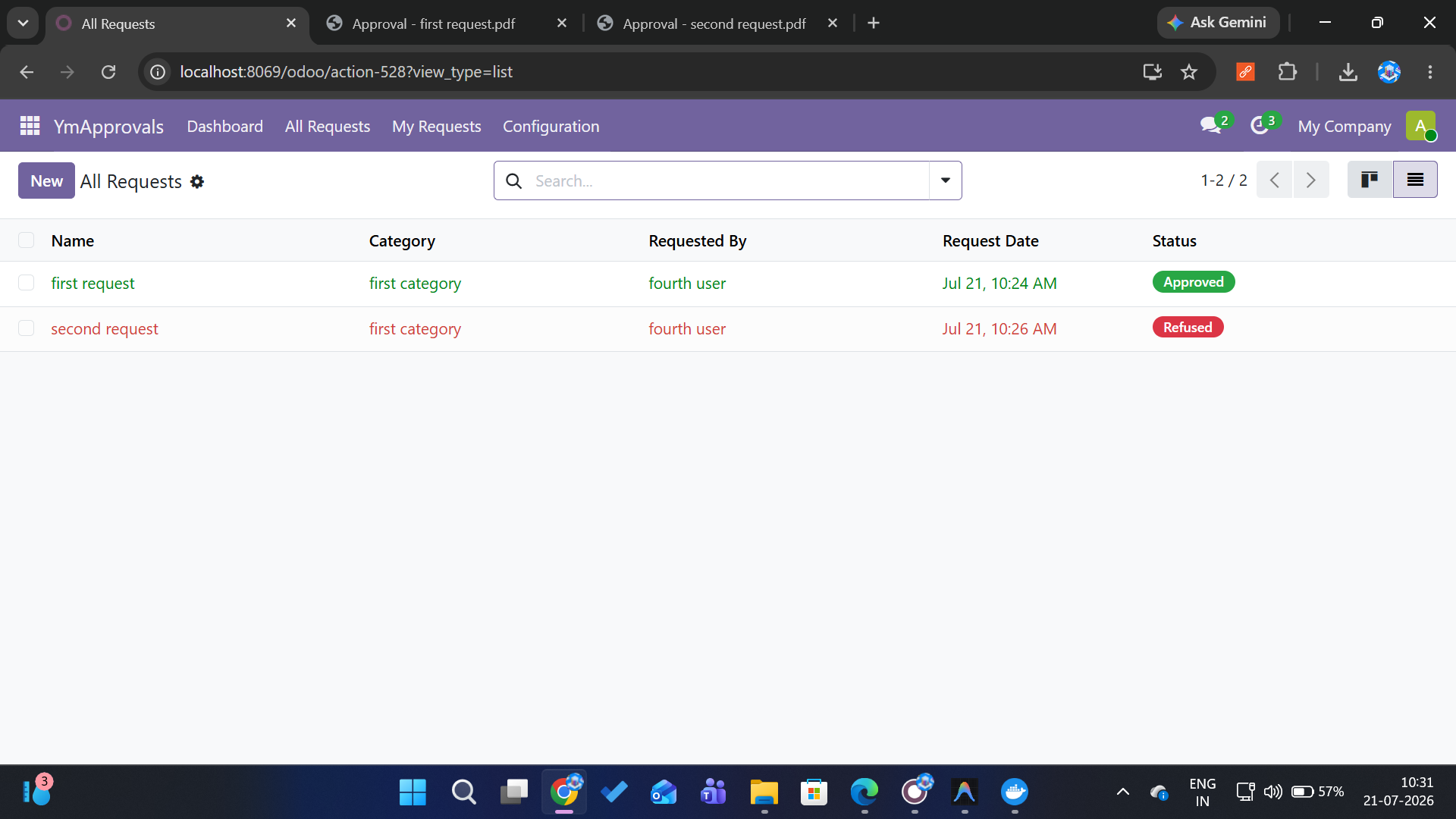
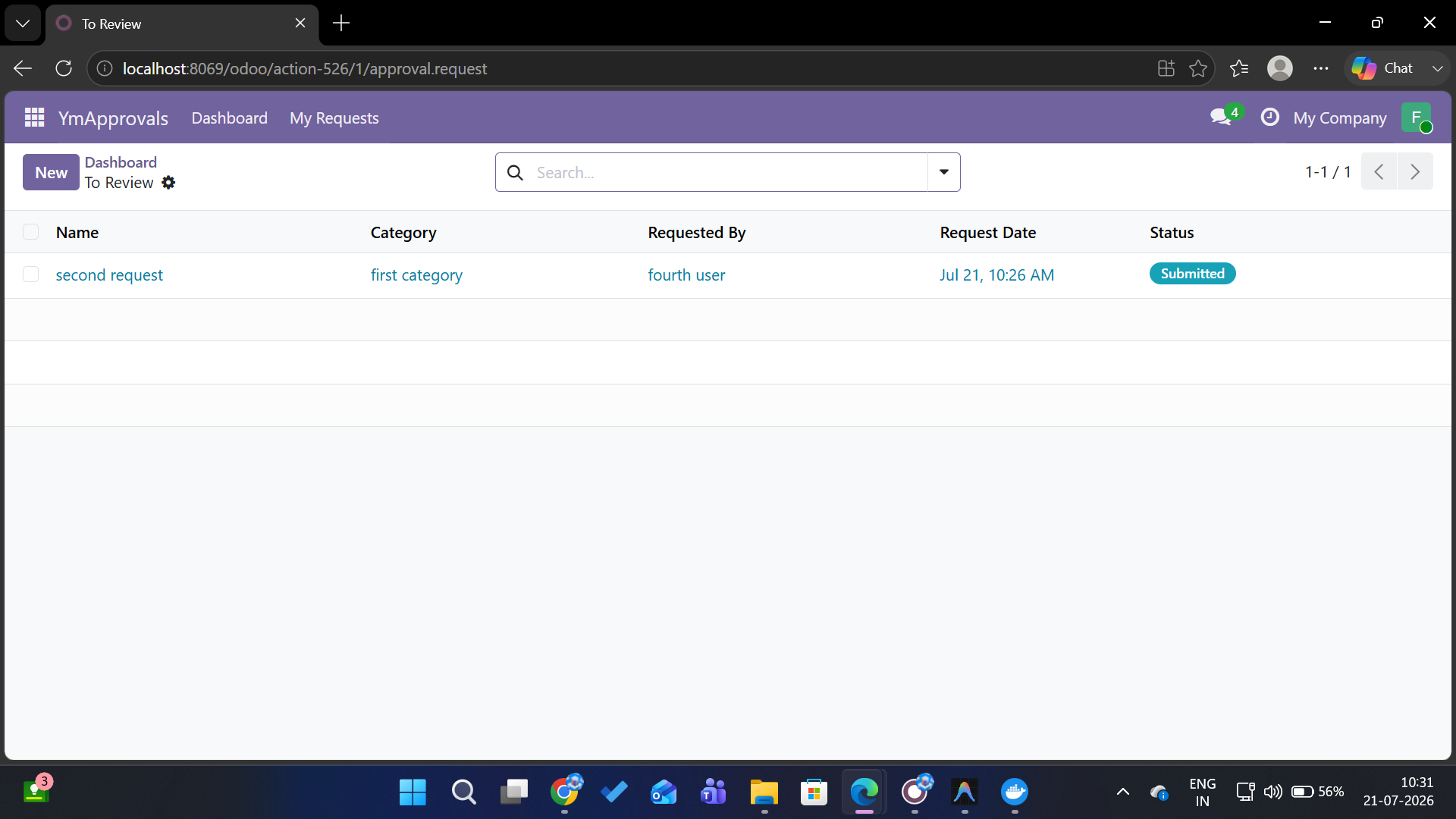
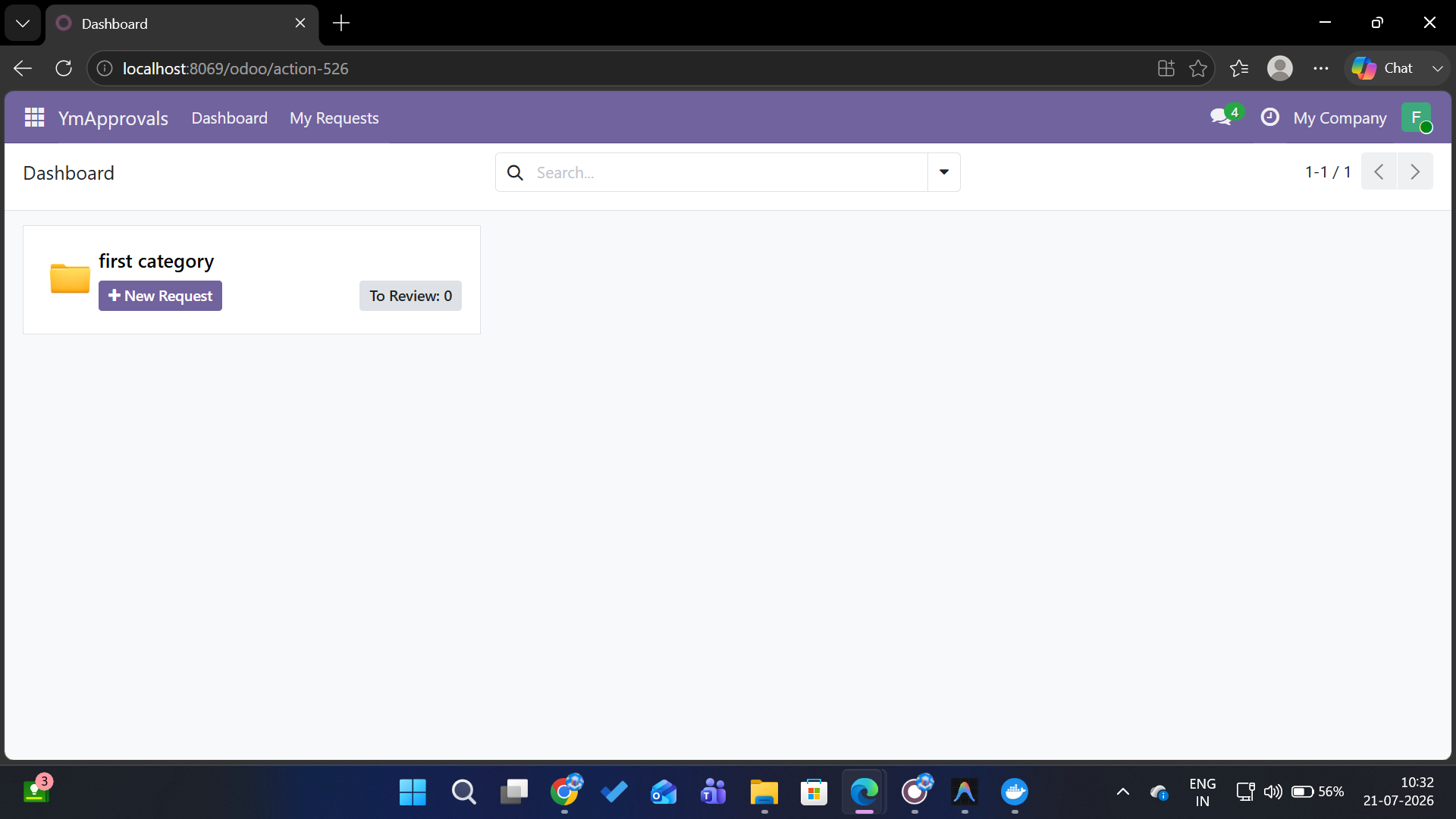
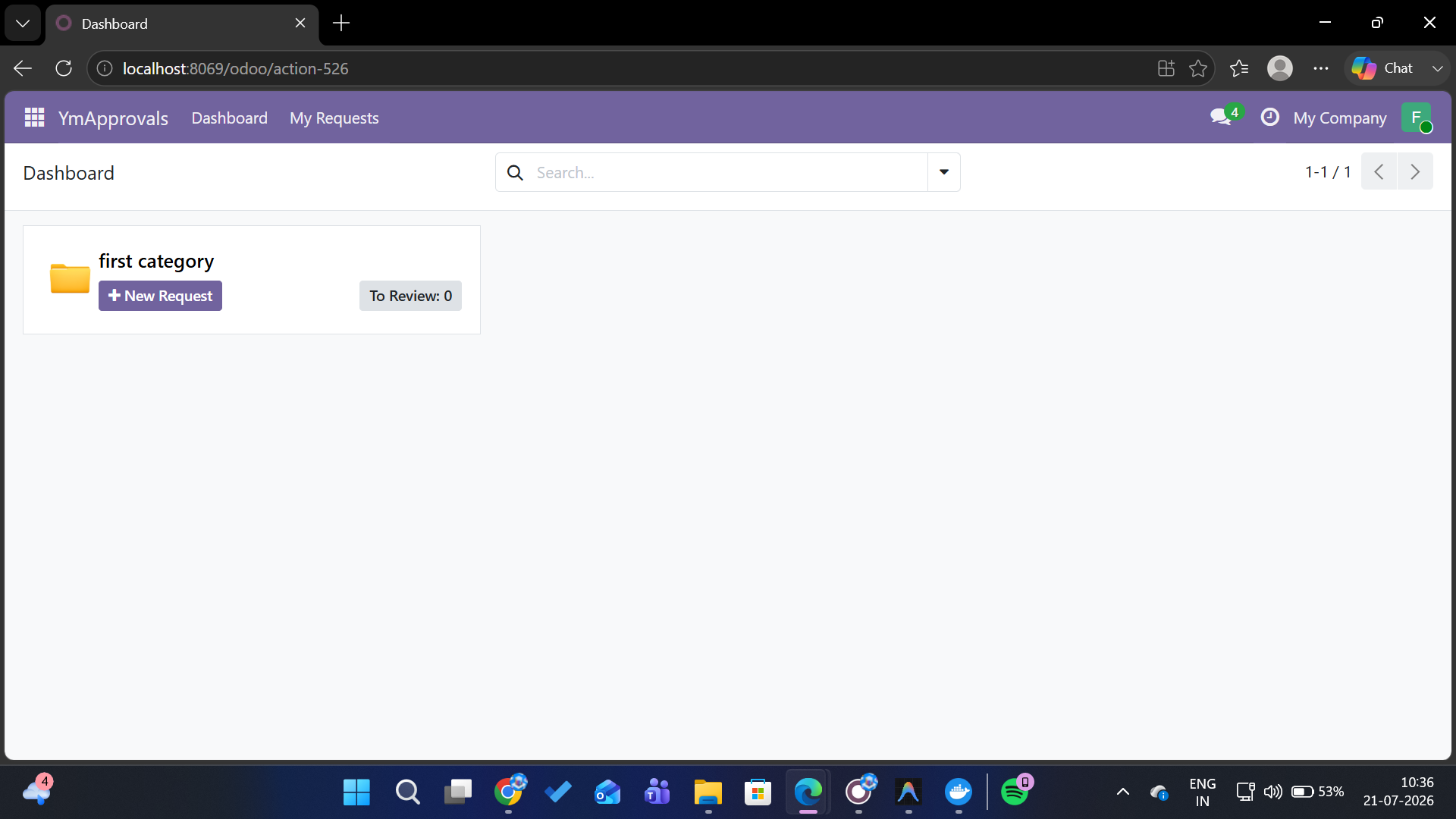
Category kanban dashboard with New Request and To Review buttons. Requests grouped by state- Draft, Submitted, Approved, Rejected- with badges and activity indicators.
PDF Reports
Auto-generated PDF on full approval. Includes requester info, all fields, product lines, description, and approval signatures table. Attached directly to the chatter.
Admin Override
Admins can force approve or force reject any submitted request, bypassing the sequential chain. Full audit trail of all actions in the chatter log.
Watch the Demo
See how YmApprovals works inside Odoo 19- from category setup to final approval.
Module Screenshots
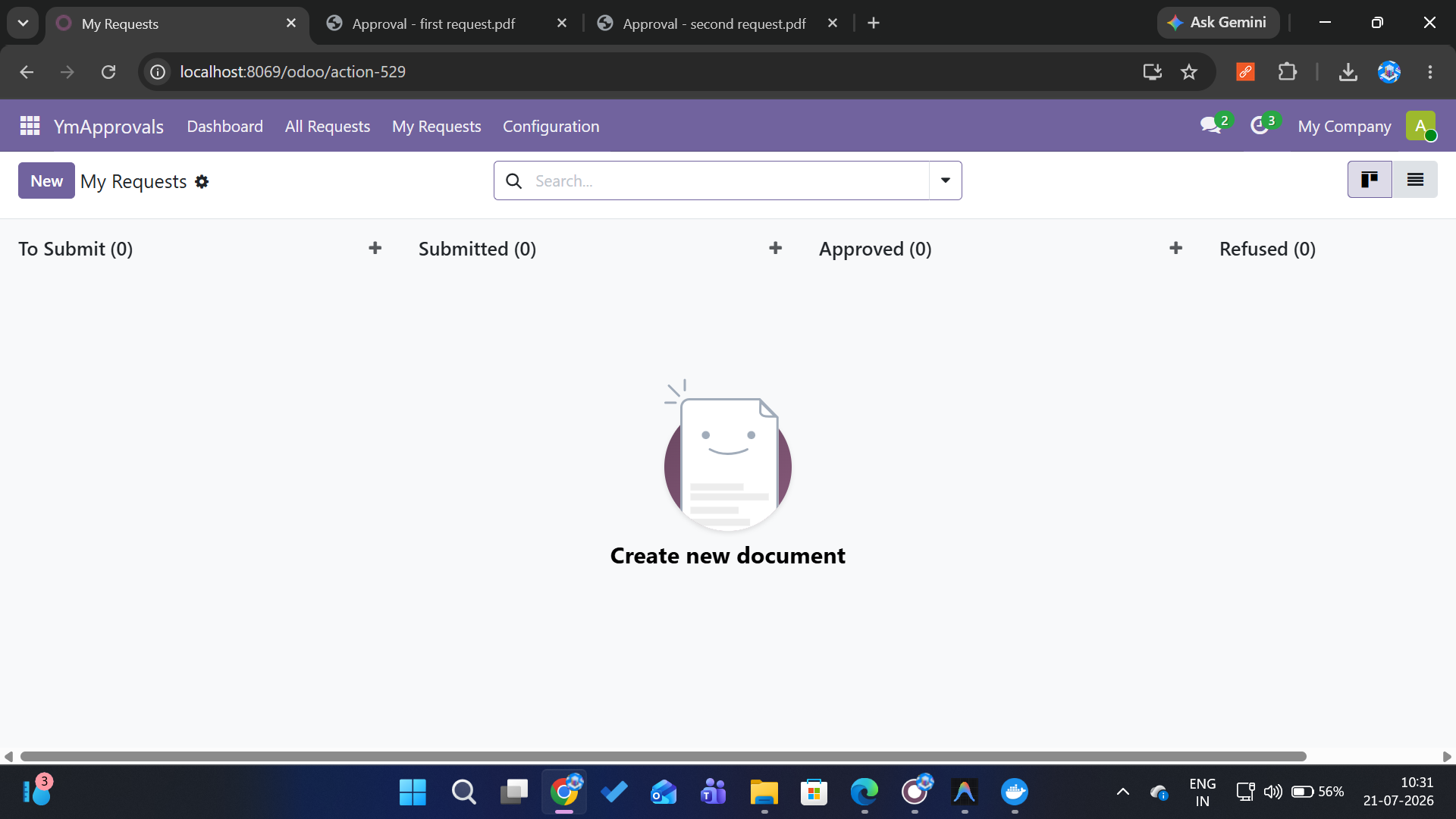
A glimpse of the YmApprovals interface inside Odoo 19.
How It Works
From zero to approved requests in three simple steps.
Configure Category
Admin creates approval categories with custom fields (document, amount, date, products) and adds template approvers. Optionally enable manager auto-assignment.
Submit Request
User opens the dashboard, clicks New Request on a category card, fills the dynamic form, and submits. The system validates required fields and schedules the first approver.
Approve or Reject
Approvers see requests in their To Review view. Each approves in sequence- one reject ends the chain. On full approval, a PDF generates and attaches to the chatter.
Ready to Streamline Your Approvals?
Join 500+ businesses already using YmApprovals to automate their approval workflows inside Odoo.
Book a Free Call