
 Home
 Partners
 Clients
 Career
 Blogs
 Case Studies
 Contact Us
Document Sign for Odoo
Send, sign, and manage electronic documents directly inside Odoo. Signature Requests, Templates, Signing Fields, Audit Trail, Reminders, and Multi User - all from one dashboard.
Module Components
Six core components that power the Document Sign module inside Odoo.
Signature Requests
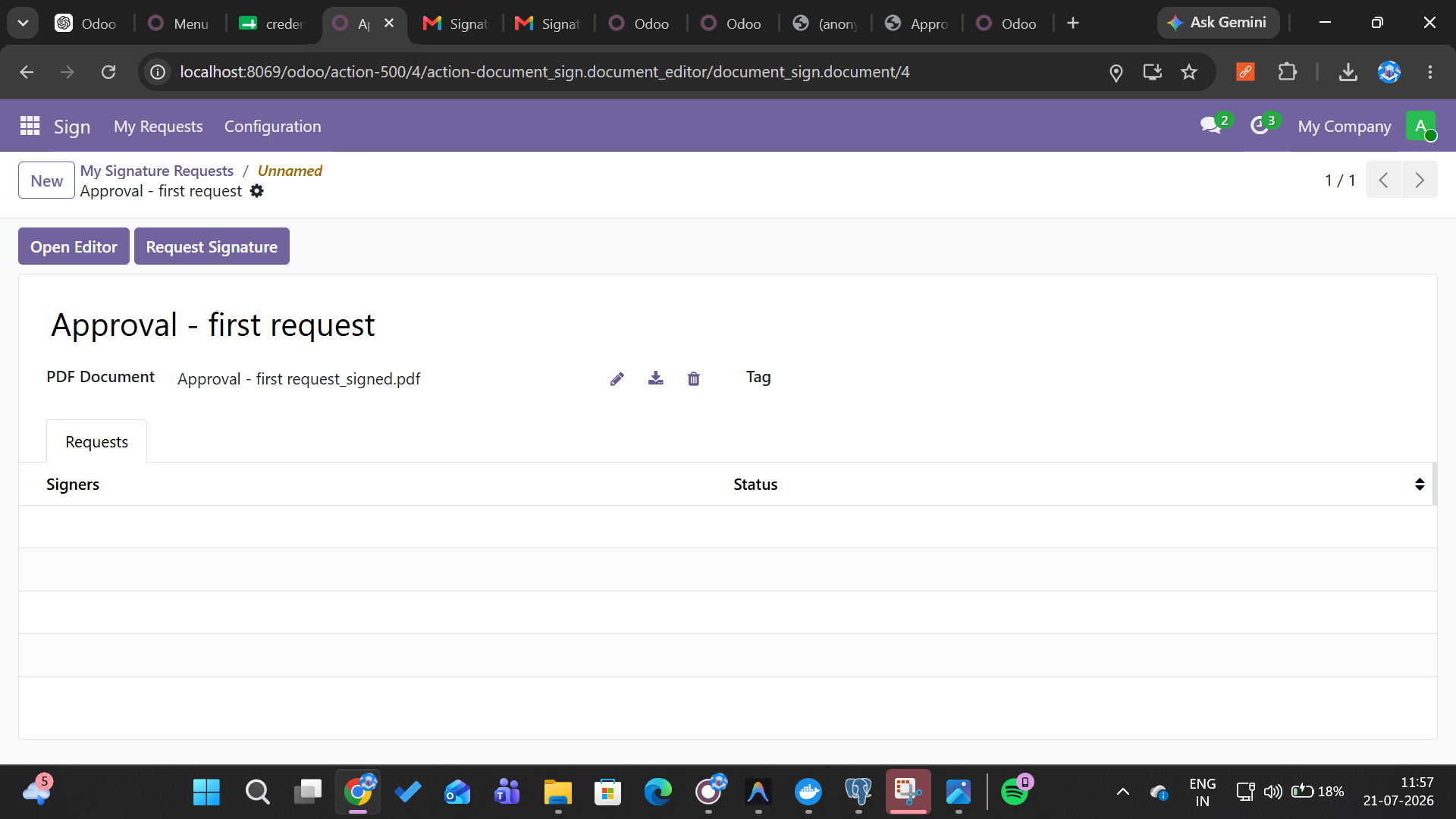
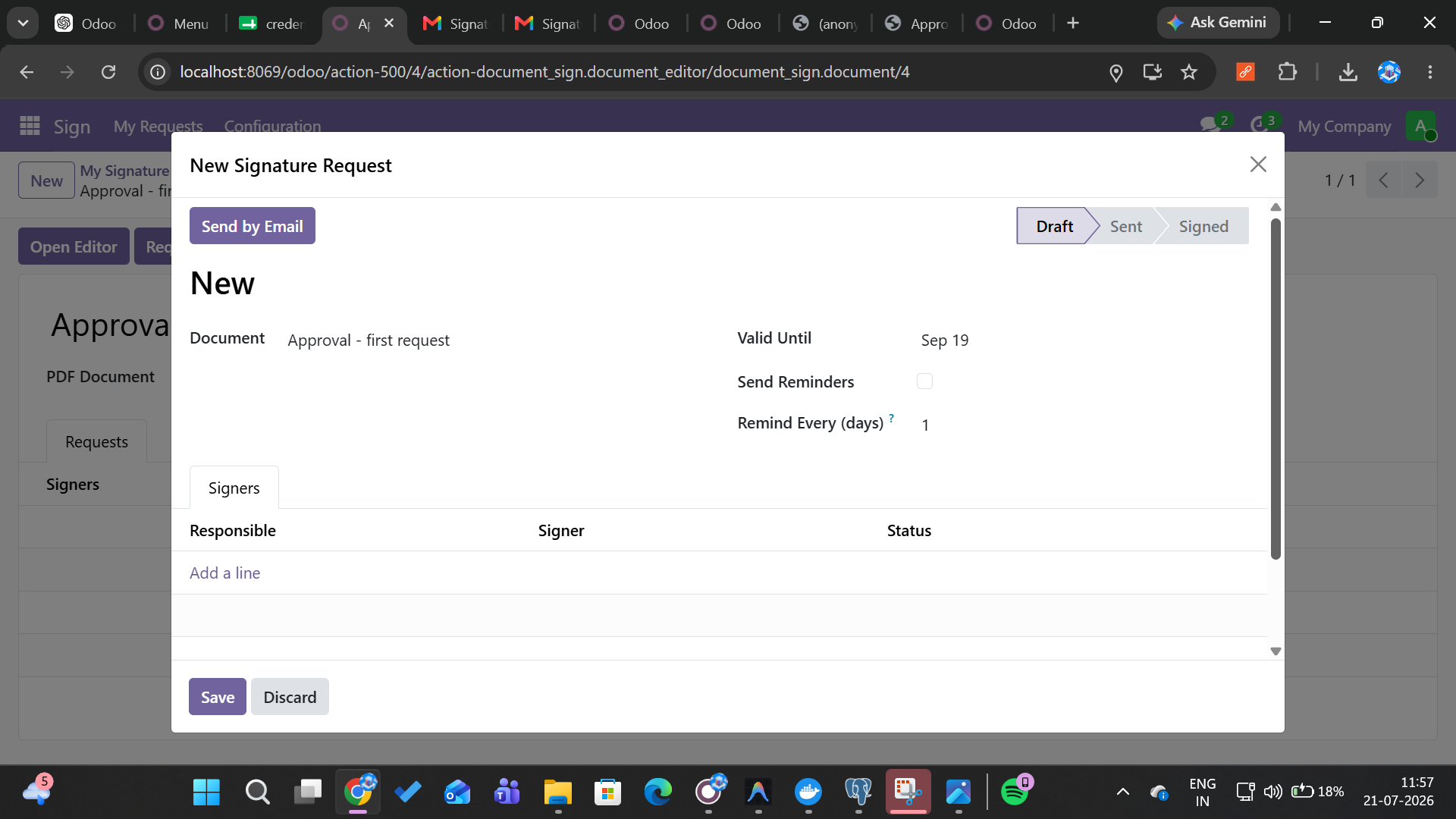
Send documents for electronic signature with a single click. Assign signers, set signing order, and track status in real-time from your Odoo dashboard.
Document Templates
Create reusable document templates with predefined signature fields. Save time by generating contracts, NDAs, and agreements from proven templates.
Signing Fields
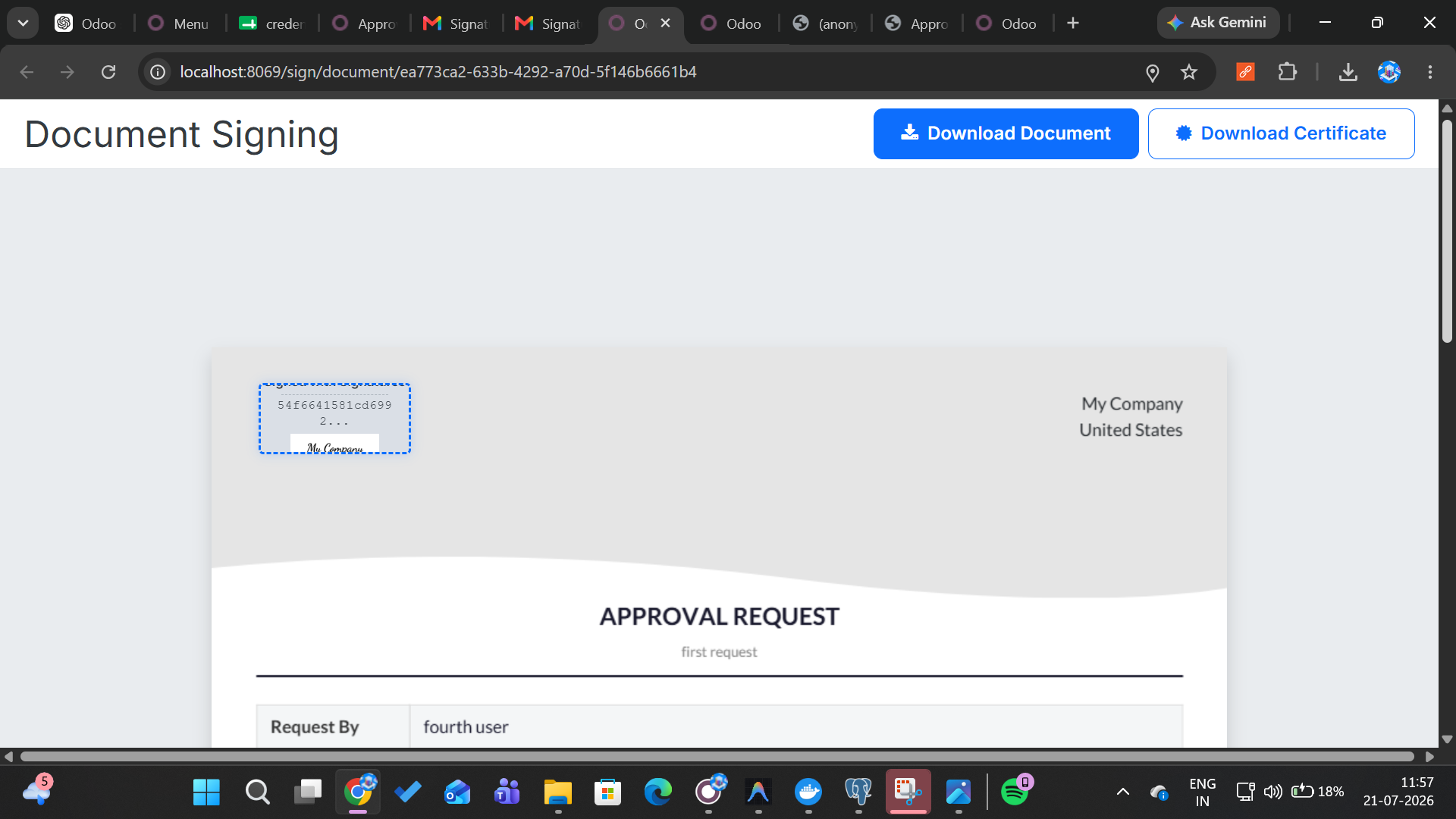
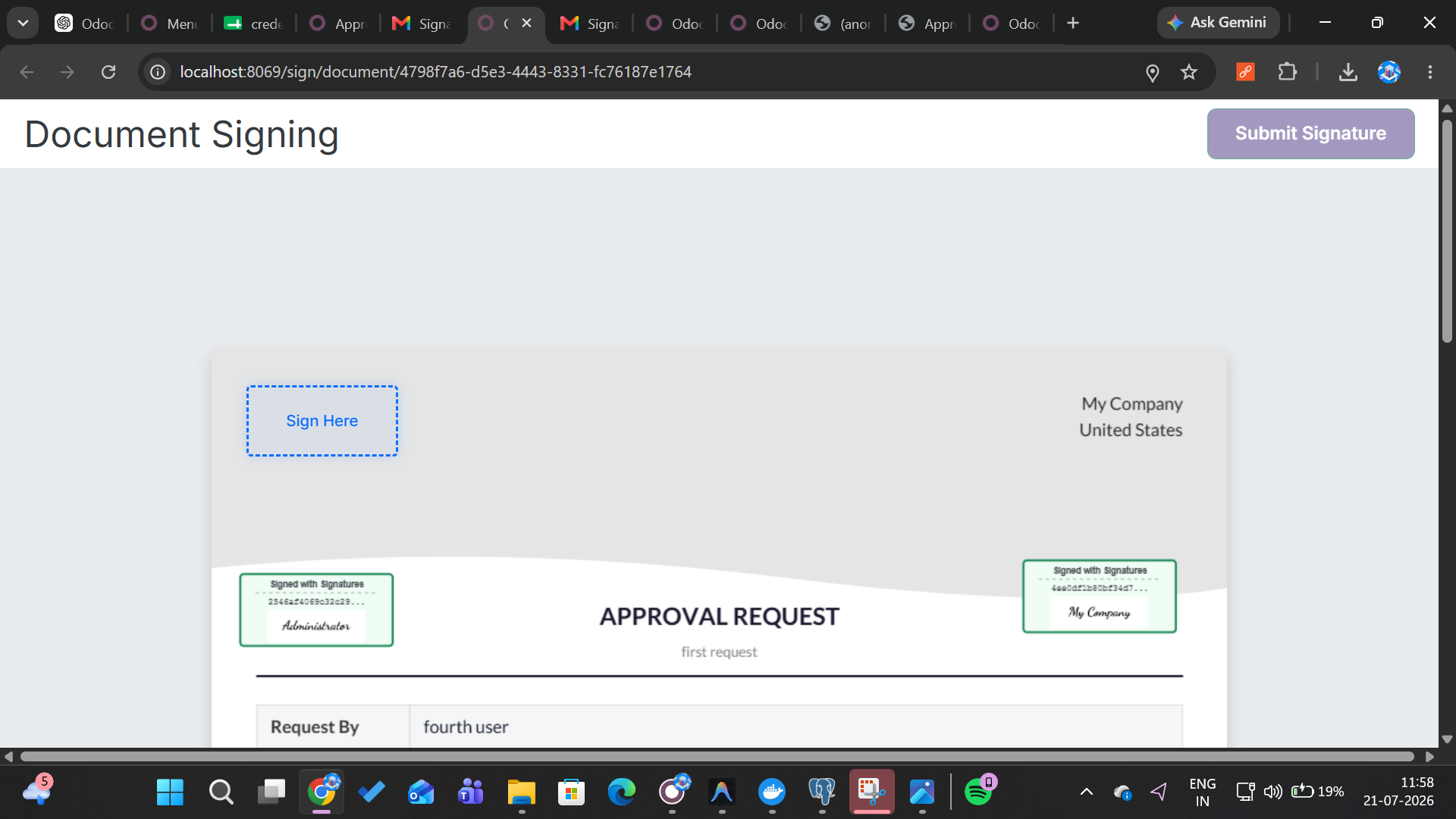
Drag-and-drop place signature, date, text, checkbox, and initial fields anywhere on your document. Full control over the signing experience.
Audit Trail
Complete certificate of completion for every signed document - timestamped IP addresses, device info, and signing history for legal compliance.
Auto Reminders
Smart automated reminders for pending signatures. Configure intervals, escalation rules, and expiration policies to keep documents moving.
Multi User
Collaborate across your entire team with role-based access. Assign signing requests, manage permissions, and track document activity by user.
Watch the Demo
See how Document Sign works inside Odoo - fully automated.
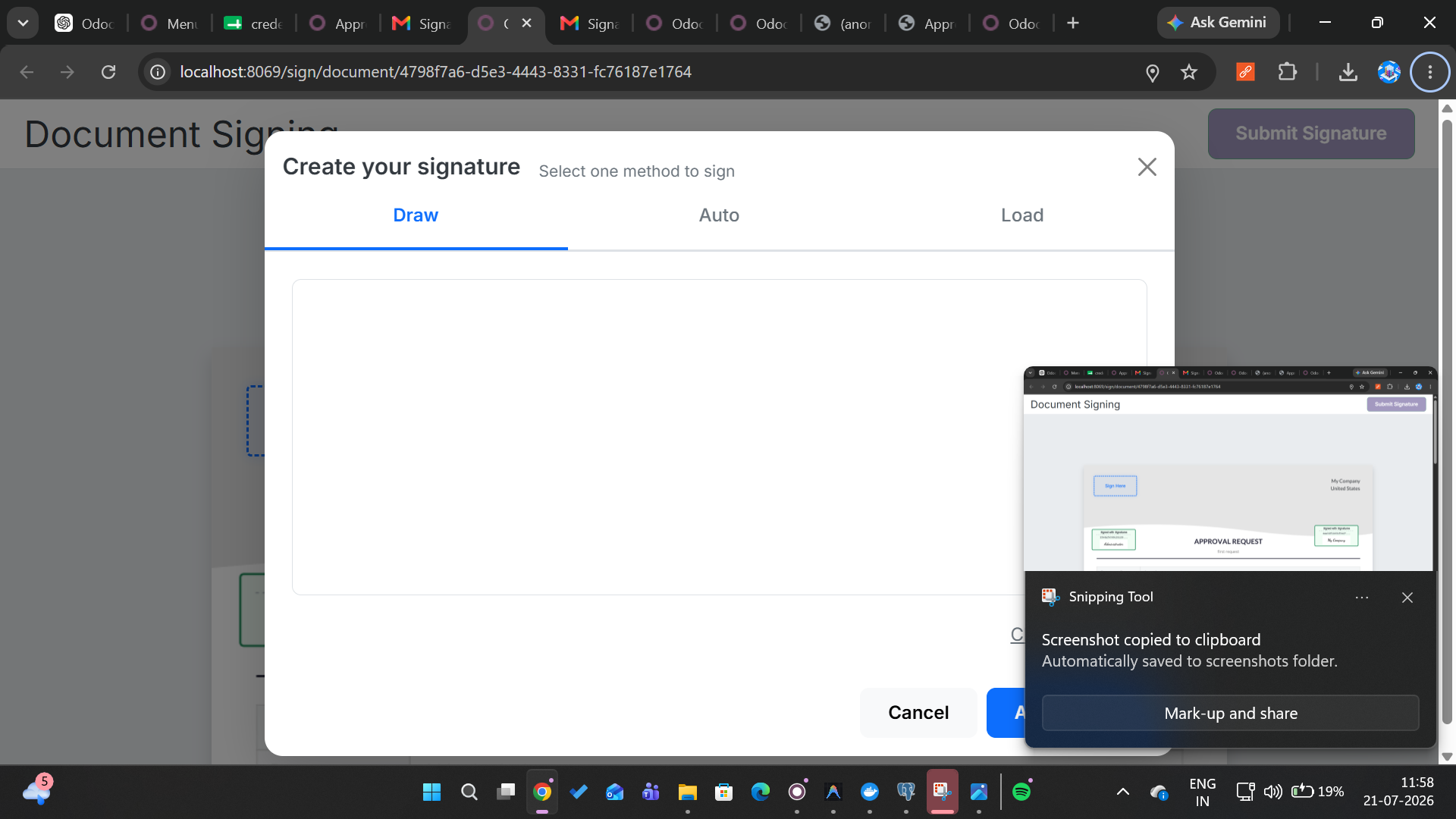
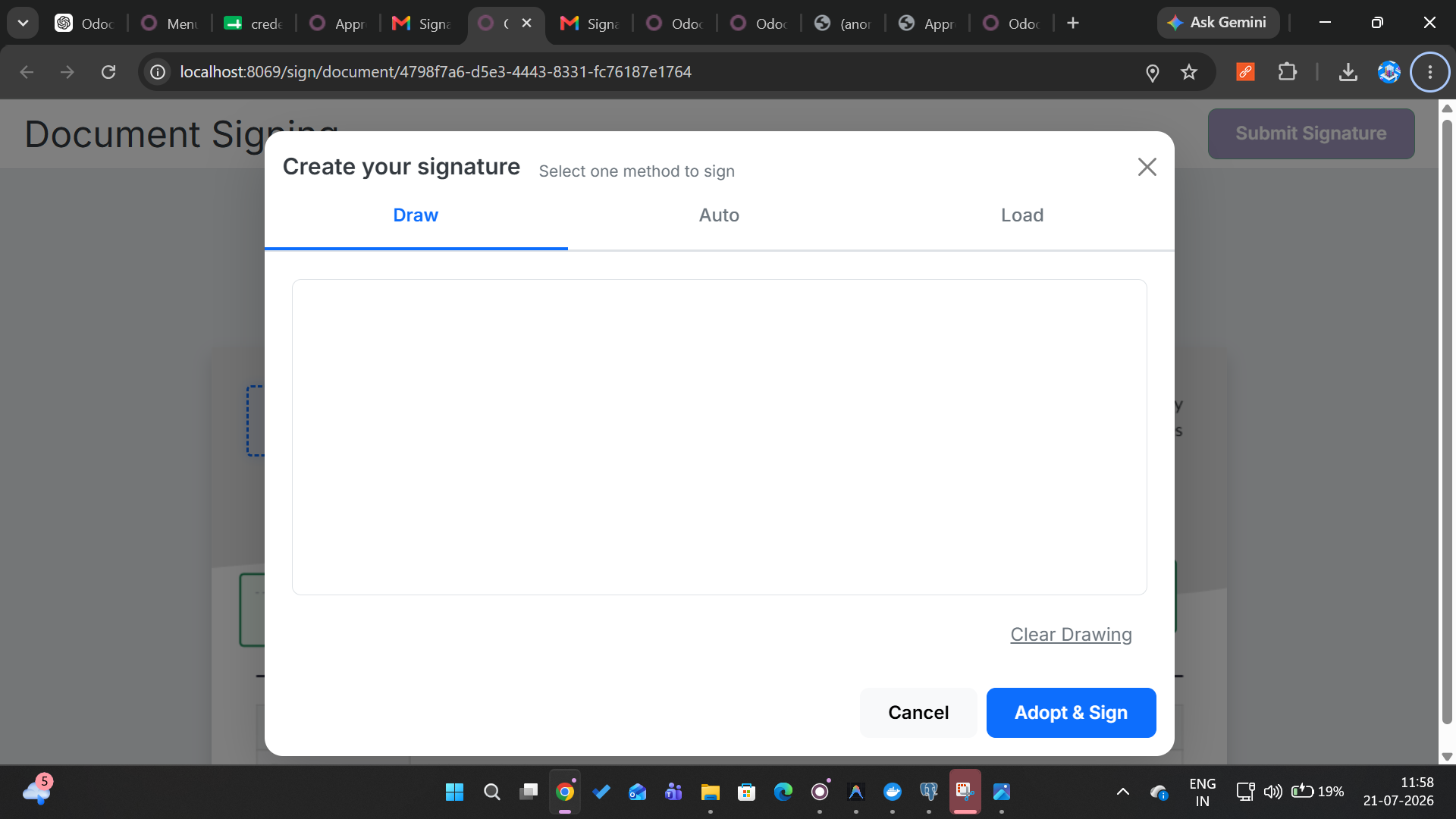
Module Screenshots
A glimpse of the Document Sign interface inside Odoo.
How It Works
Get from document to signed in three simple steps.
Upload Document
Upload a PDF or select from reusable templates in Odoo. Add signers by email - each recipient receives a secure signing link.
Place Signing Fields
Drag-and-drop signature, date, text, initials, or checkbox fields onto the document. Define signing order and make fields required or optional.
Send & Track
Send the signing request with one click. Track status in real-time, get notified on completion, and store the signed document with audit trail in Odoo.
Ready to Go Paperless?
Join 5,000+ businesses already streamlining document signing with Odoo.
Book a Free Call