
 Home
 Partners
 Clients
 Career
 Blogs
 Case Studies
 Contact Us
Facebook Lead Management for Odoo
Automatically capture, organize, and manage Facebook lead ads directly inside Odoo. Manage Instances, Pages, Lead Forms, Field Mapper, Logs, and CRM Leads - all from one dashboard.
Module Components
Six core components that power the Facebook Lead Management module inside Odoo.
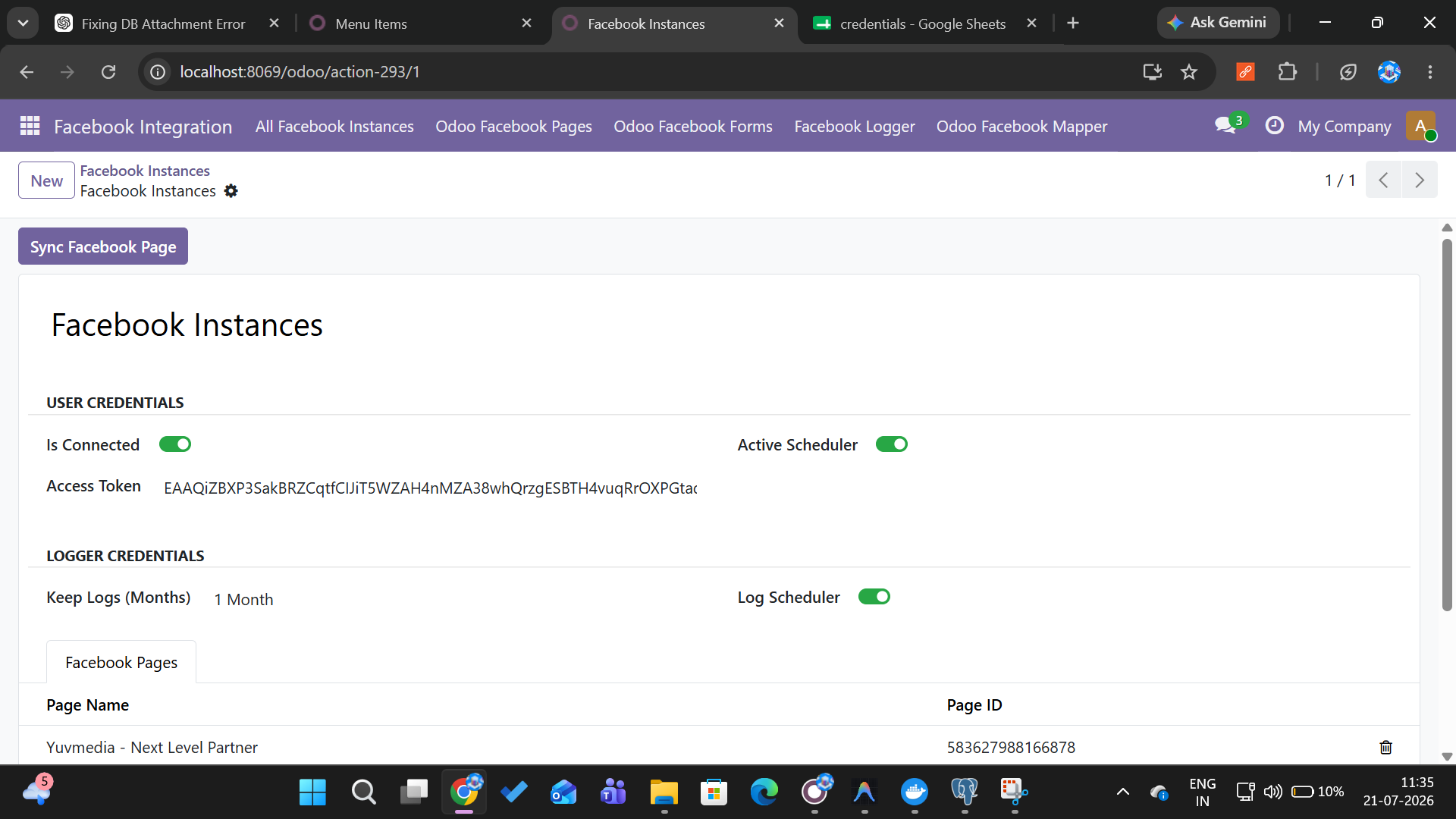
Facebook Instances
Create and manage multiple Facebook Business Manager instances from a single Odoo dashboard. Isolate accounts by brand, region, or team.
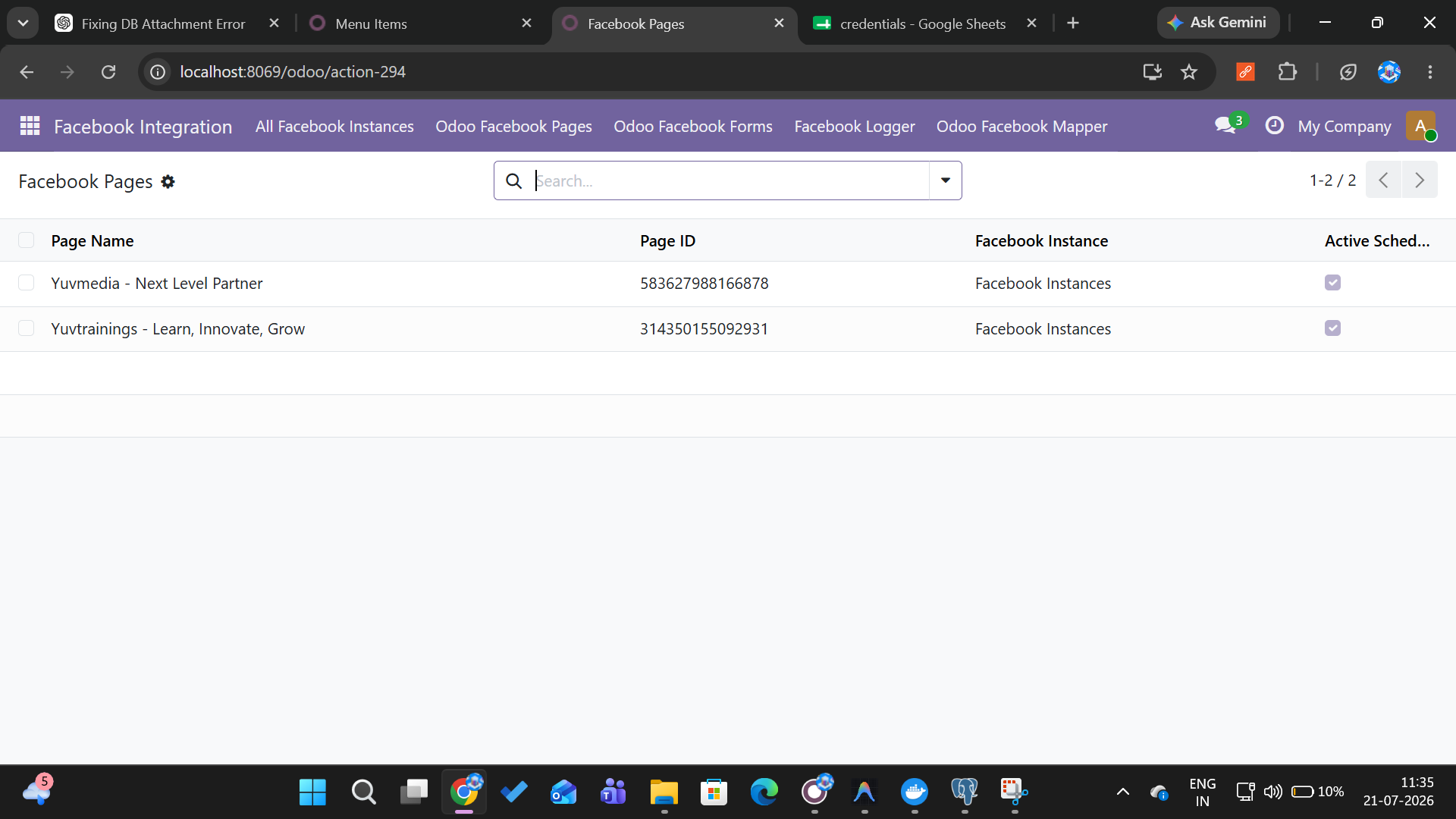
Facebook Pages
Connect unlimited Facebook pages and ad accounts. View all linked pages with sync status, lead count, and last fetch timestamp at a glance.
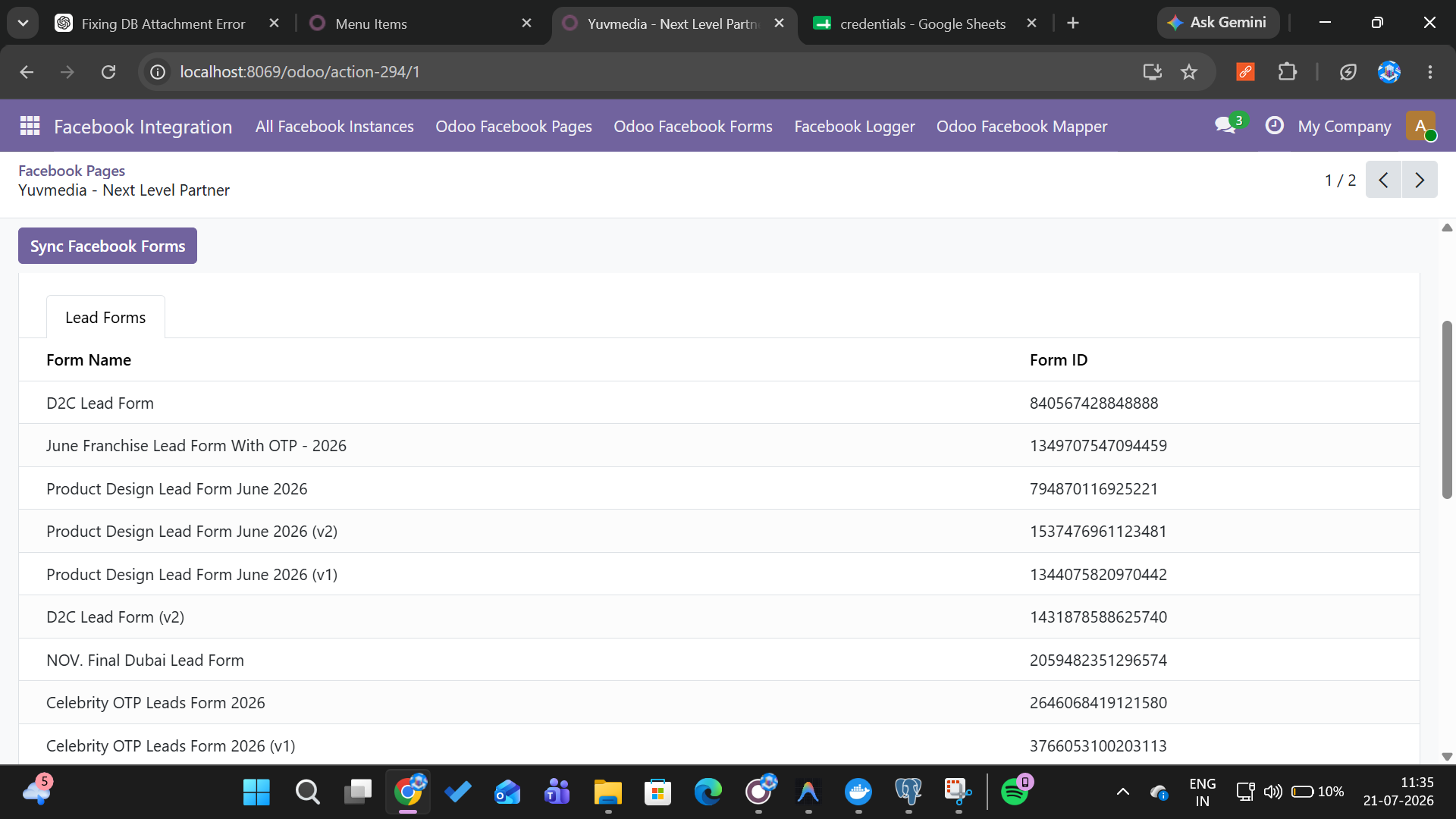
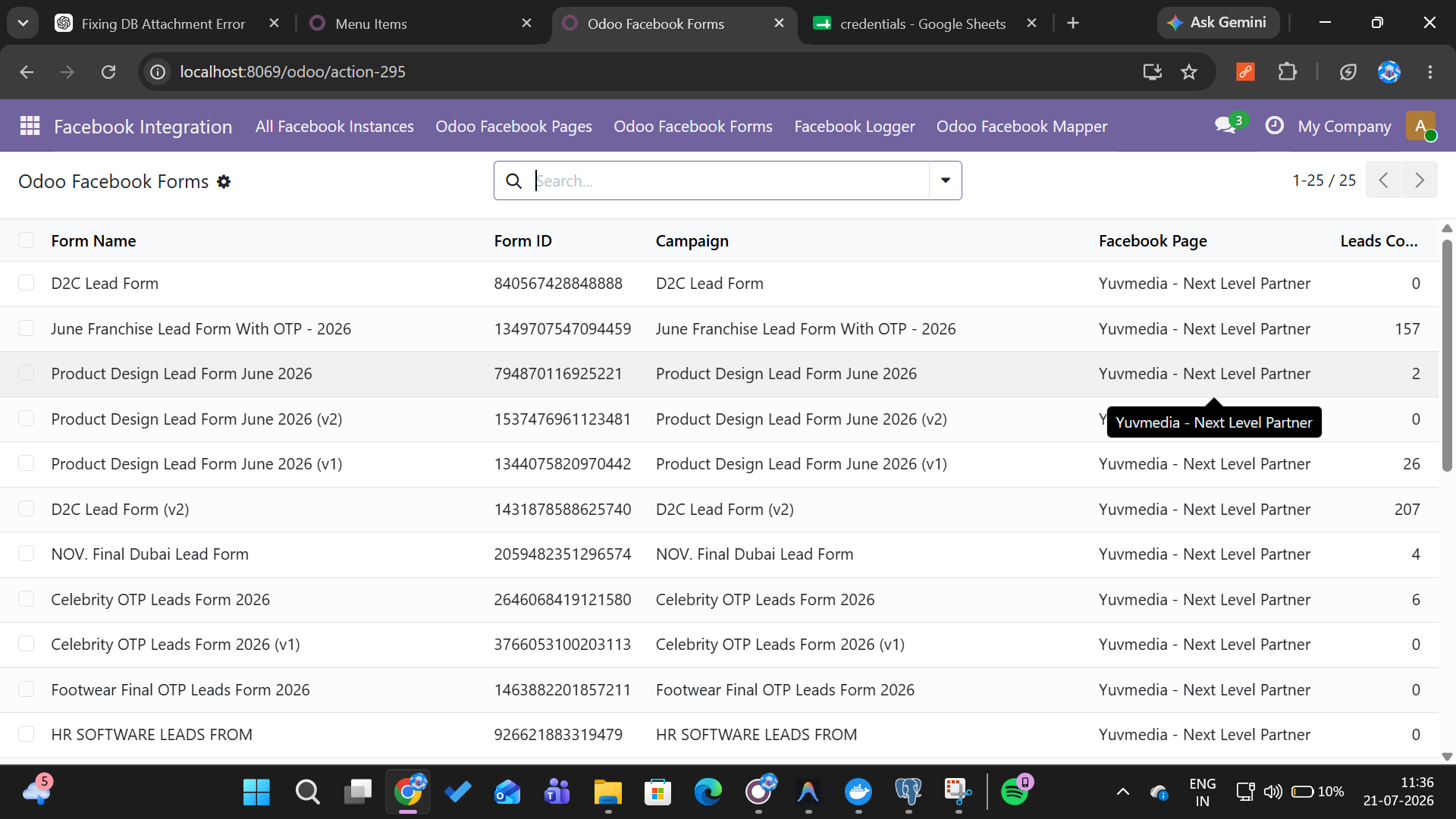
Lead Forms
Automatically detect and pull submissions from Facebook lead forms. Filter by form, page, or date range to keep your pipeline clean.
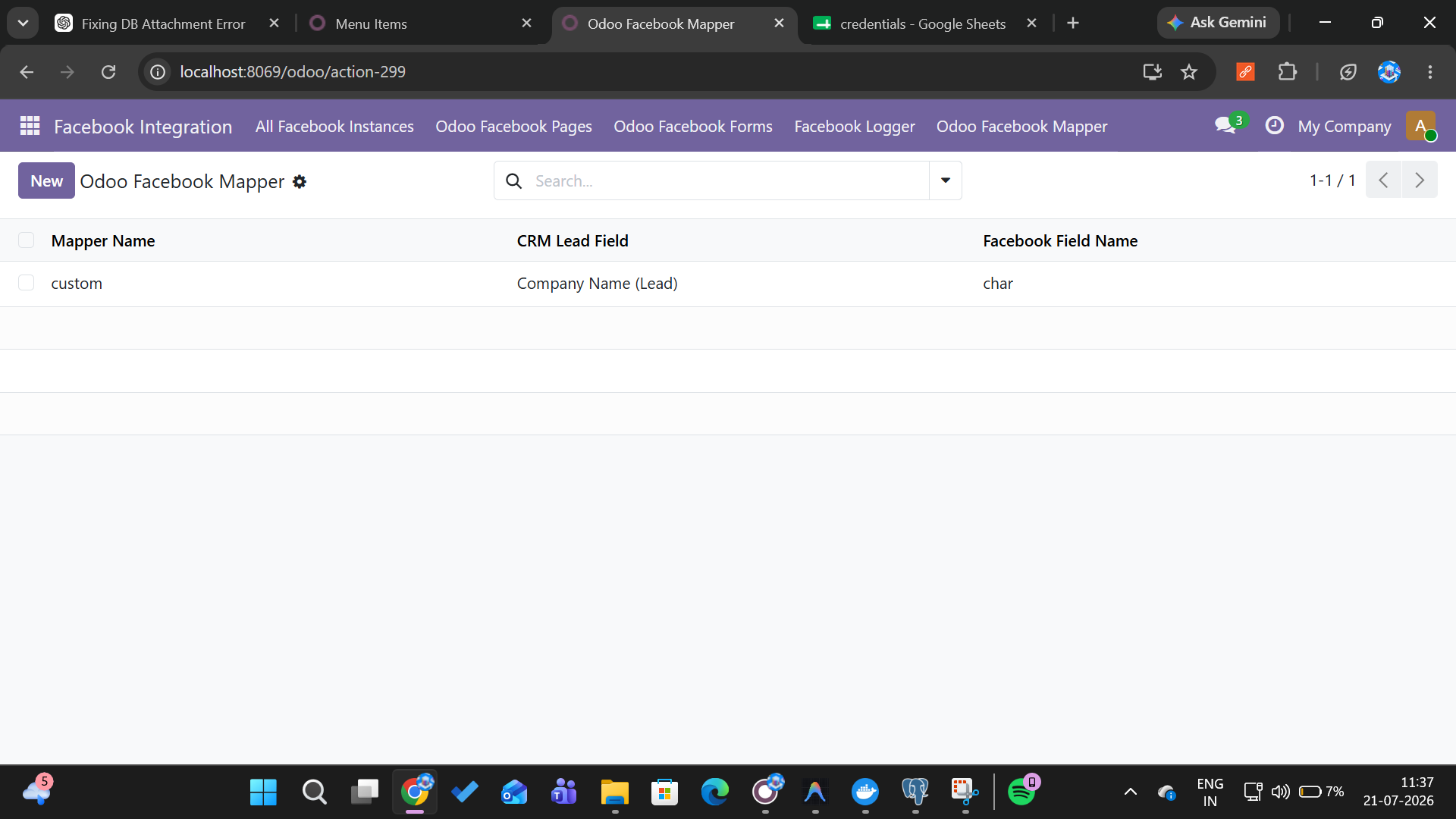
Facebook Field Mapper
Drag-and-drop map every Facebook form question to any Odoo field - text, dropdown, checkbox, date, phone, email, or custom field.
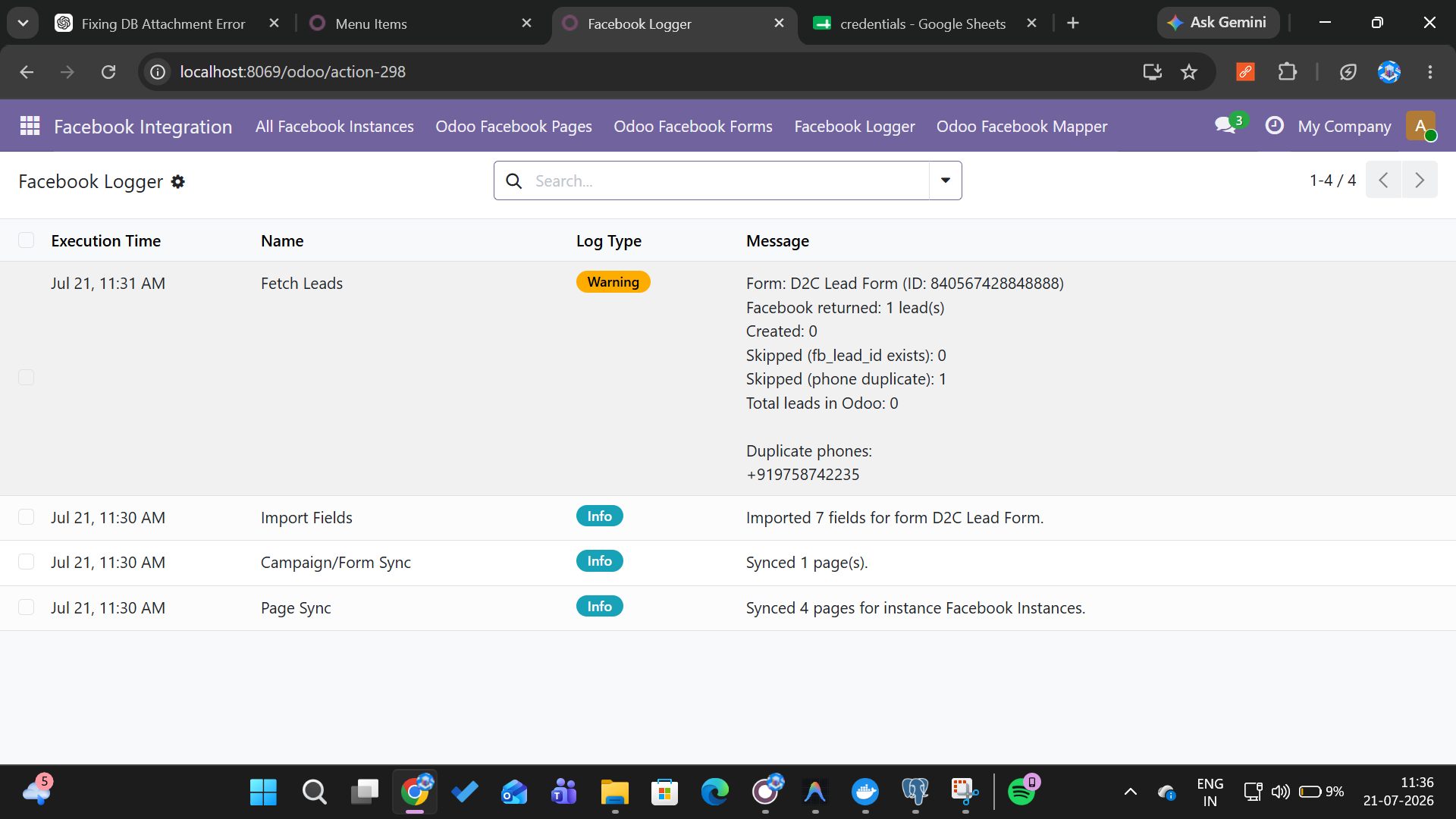
Facebook Logs
Complete audit trail of all API calls, syncs, field mappings, and errors. Debug and monitor every lead's journey from Facebook to CRM.
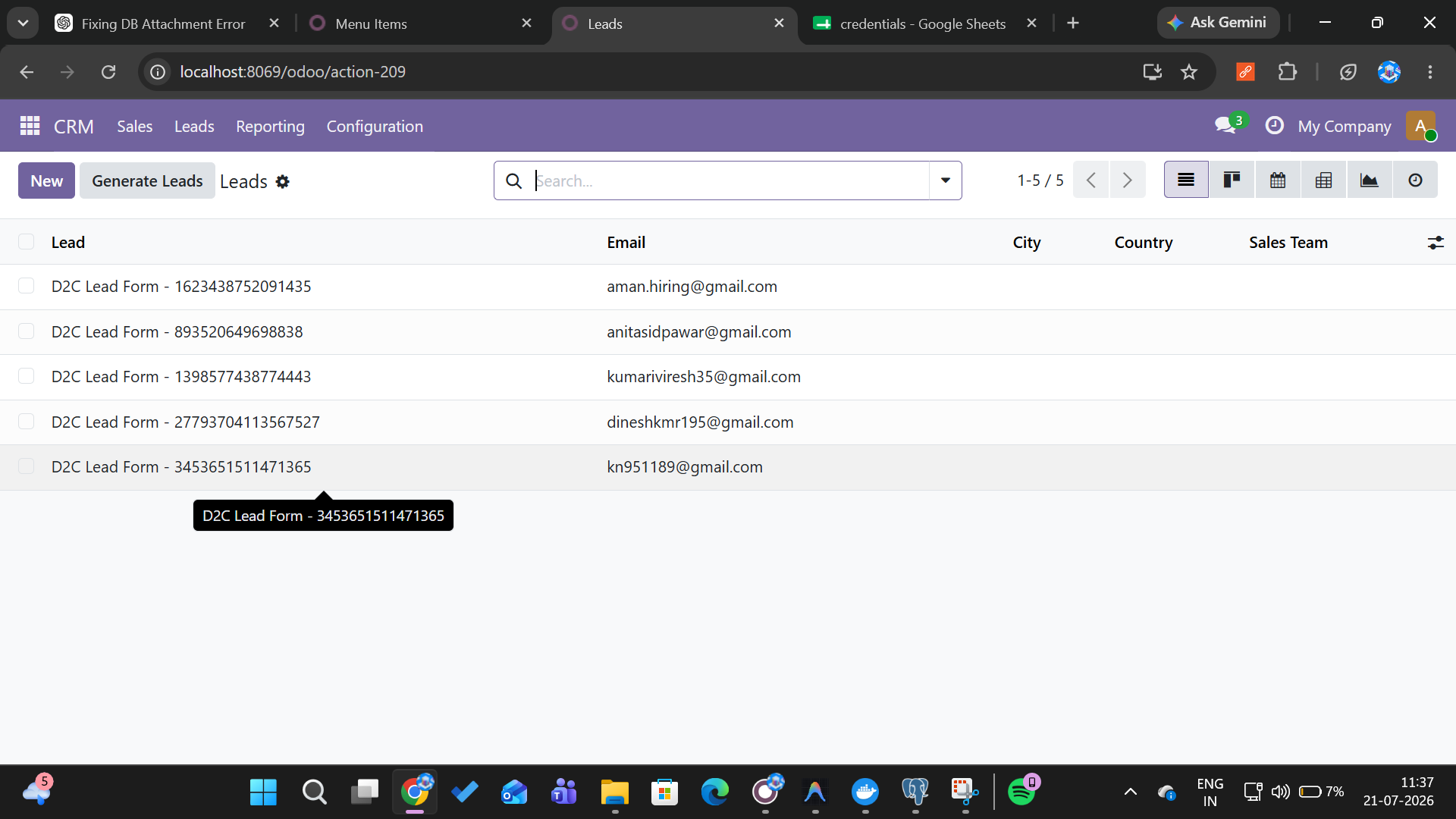
CRM Leads
New leads land directly in your Odoo CRM pipeline - enriched, deduplicated, and ready for assignment, scoring, or outreach.
Watch the Demo
See how Facebook Lead Management works inside Odoo - fully automated.
Module Screenshots
A glimpse of the Facebook Lead Management interface inside Odoo.
How It Works
Get from zero to live leads in your CRM in three simple steps.
Create Instance
Add a new Facebook Instance in Odoo with your Facebook App credentials. Each instance isolates a Business Manager account - perfect for agencies managing multiple clients.
Connect Pages & Forms
Select the Facebook pages and ad accounts linked to your instance. The module automatically pulls all active lead forms - just tick the ones you want to monitor.
Map Fields & Go
Use the Field Mapper to drag-and-drop connect Facebook form questions to Odoo fields. Once saved, every new Facebook lead lands in your CRM pipeline automatically.
Ready to Supercharge Your Facebook Leads?
Join 1,200+ businesses already automating their Facebook lead capture with Odoo.
Book a Free Call