
 Home
 Partners
 Clients
 Career
 Blogs
 Case Studies
 Contact Us
Server Management for Odoo
Track which domains and servers belong to which clients, monitor their subscription lifecycle from draft to expiry, and automatically notify both clients and administrators as renewal dates approach.
Module Components
Six core models that power the Server Management module inside Odoo.
Domain Users
Track clients who own domain subscriptions. Linked to Odoo partners and users with full contact details, business names, and associated server lists.
Domains & Servers
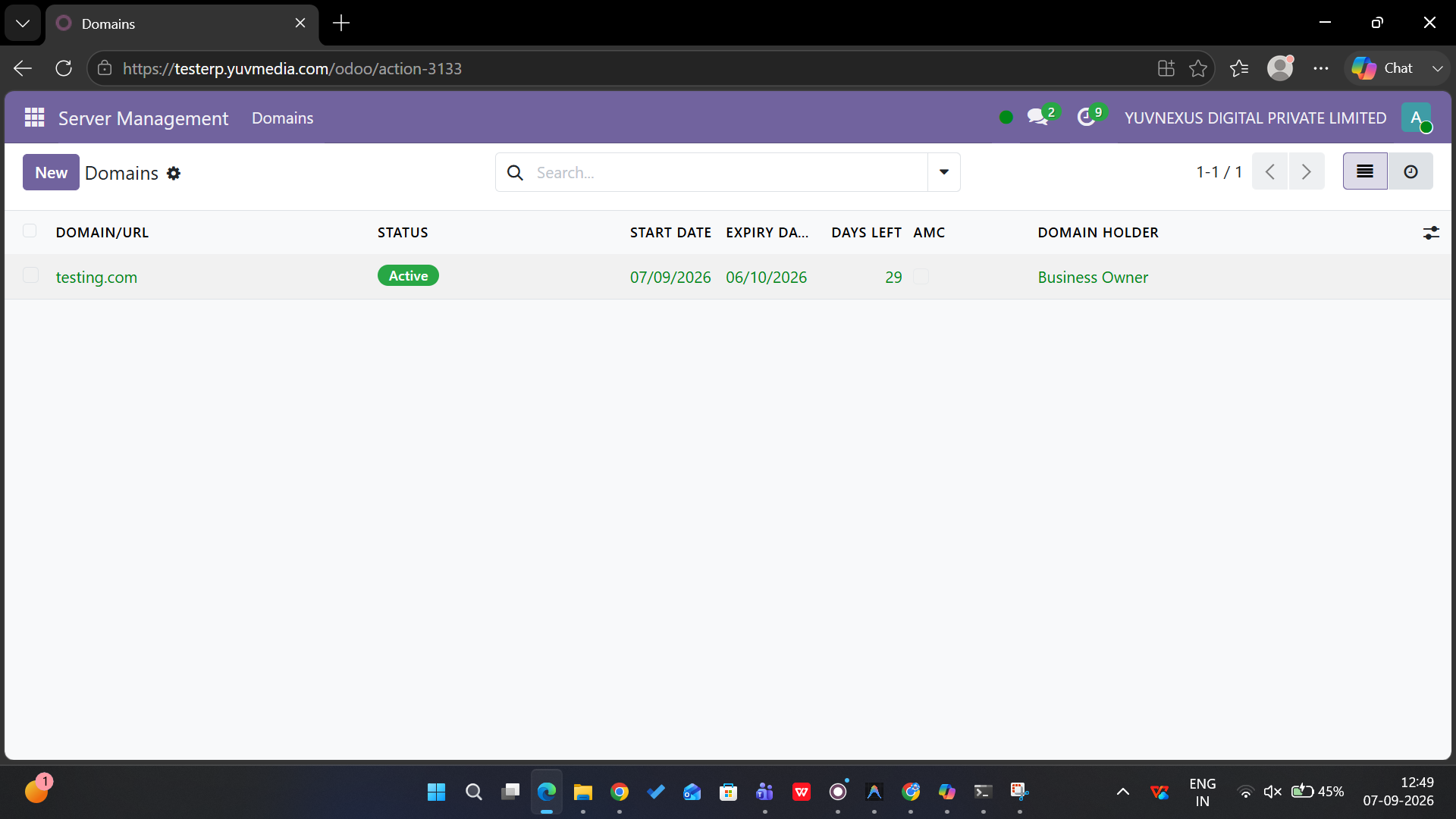
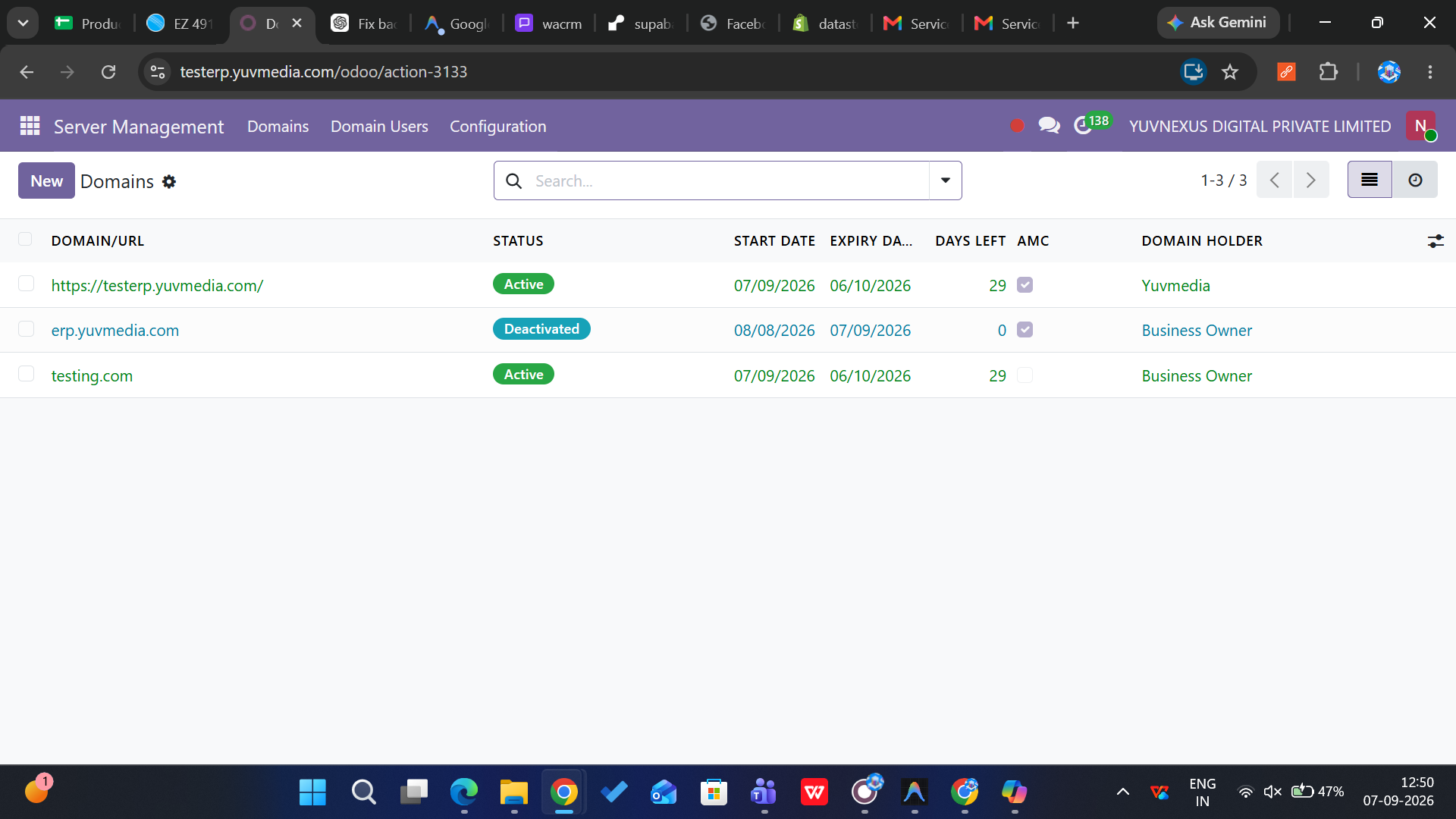
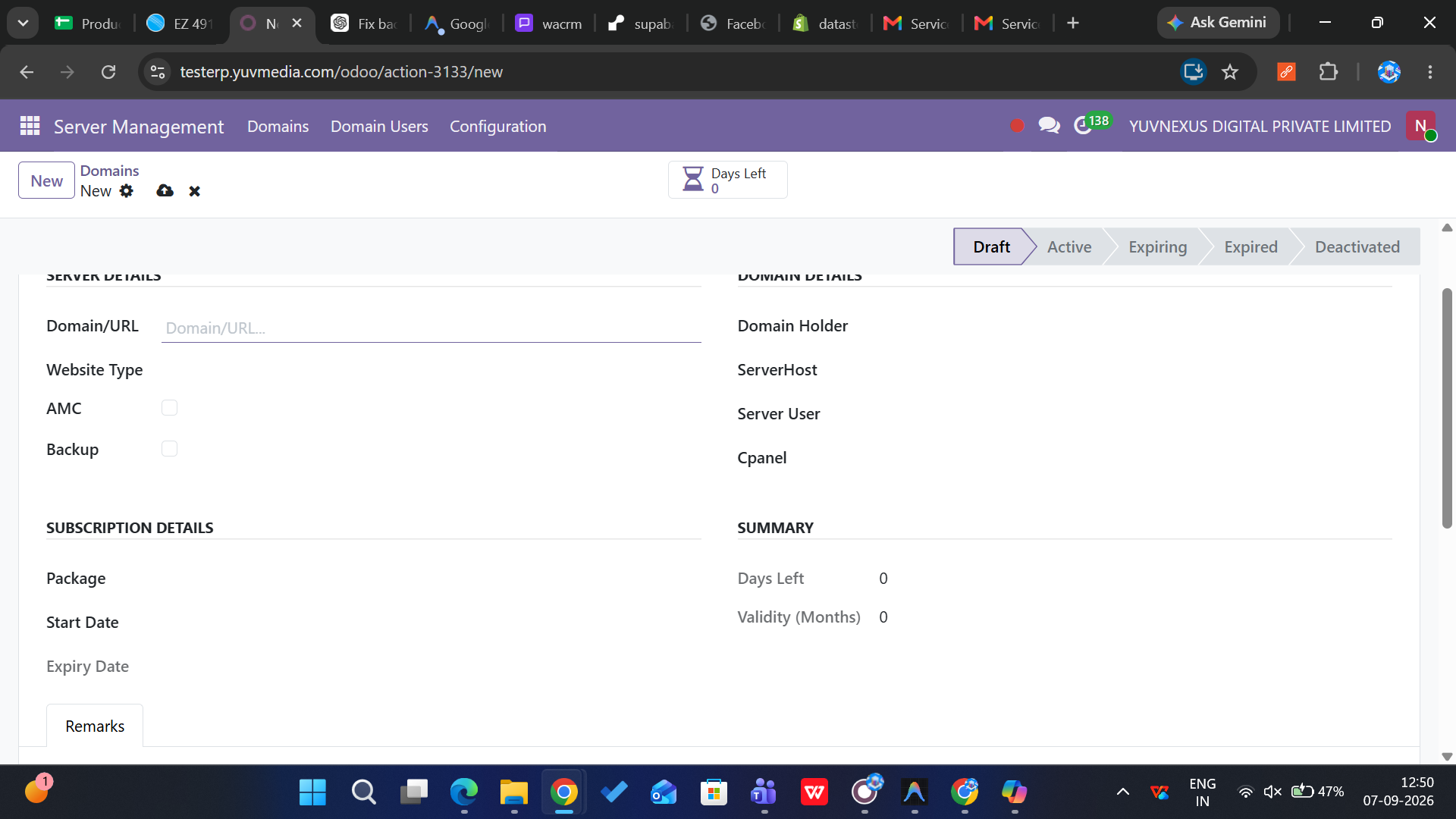
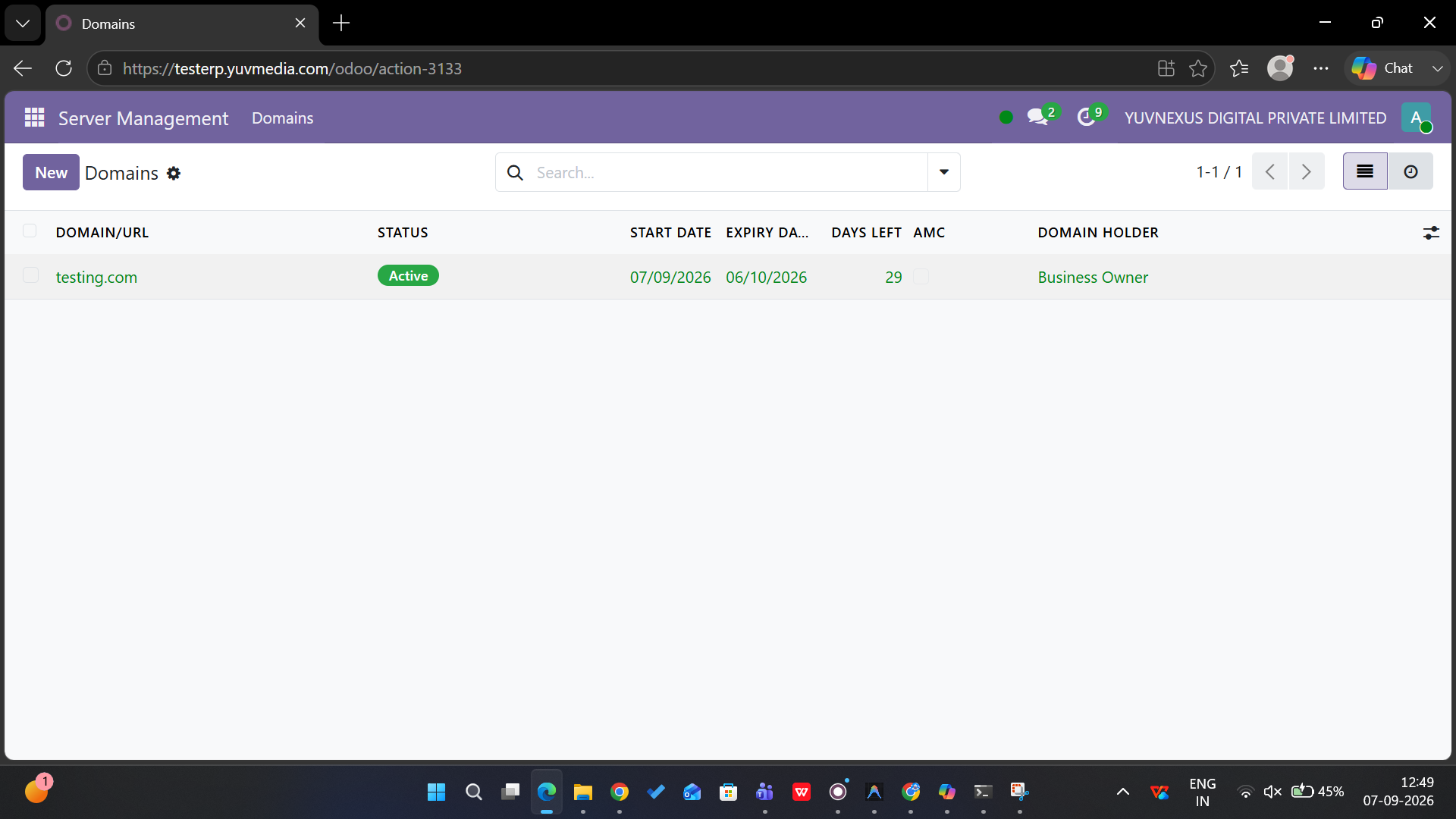
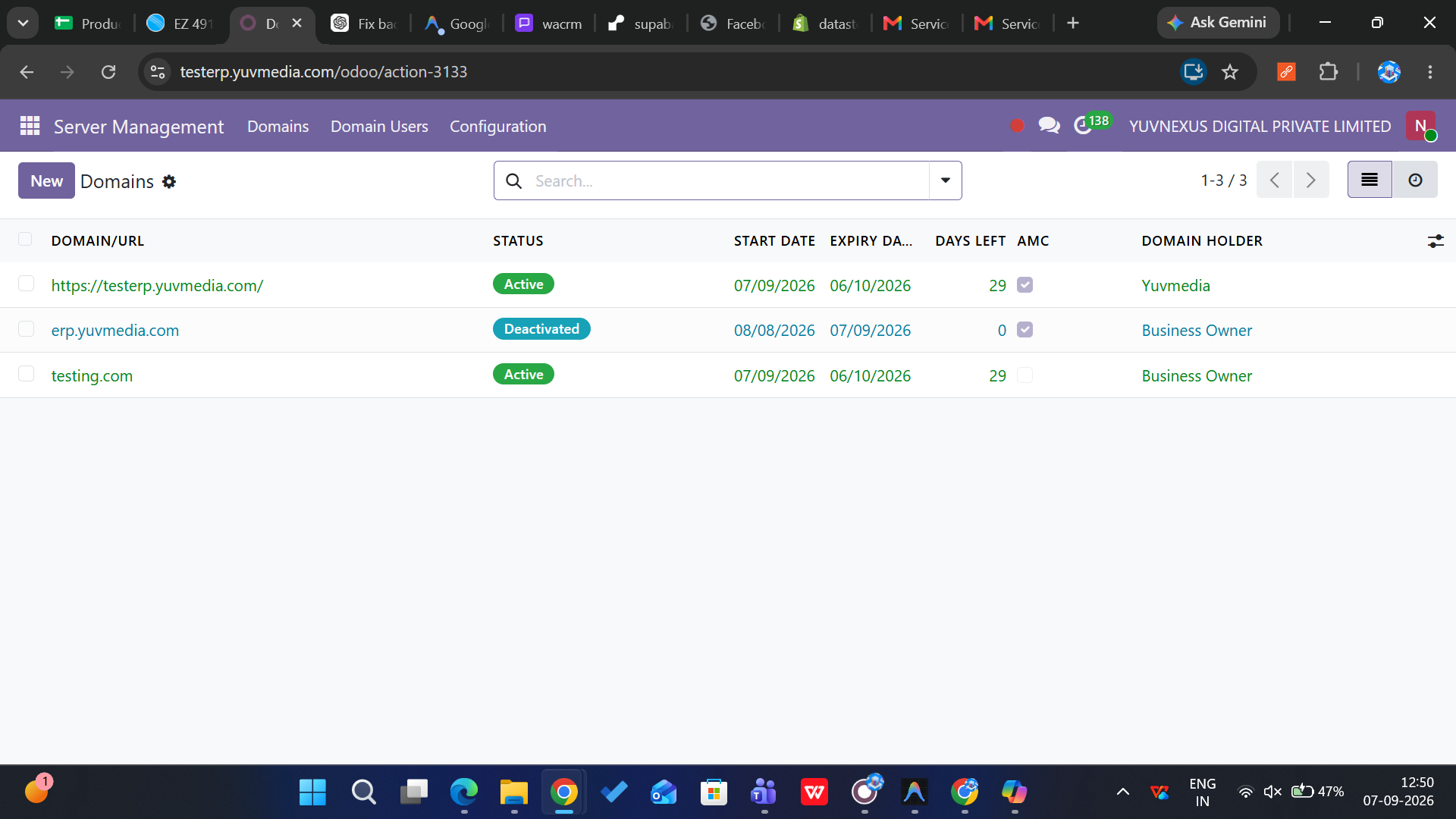
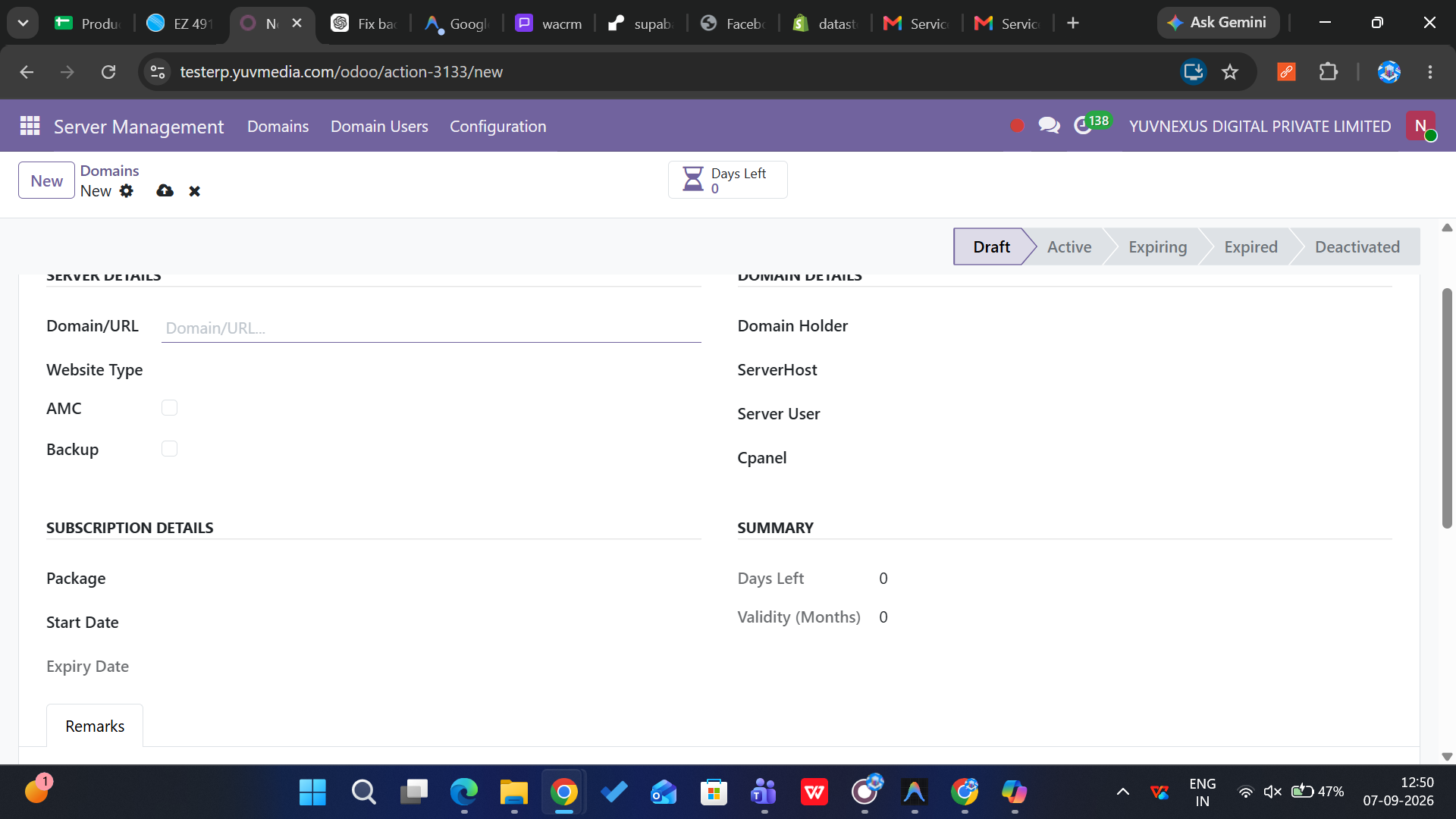
Core subscription records with domain URLs, hosting details, WHM/cPanel links, packages, start dates, and computed expiry tracking through four lifecycle states.
Subscription Packages
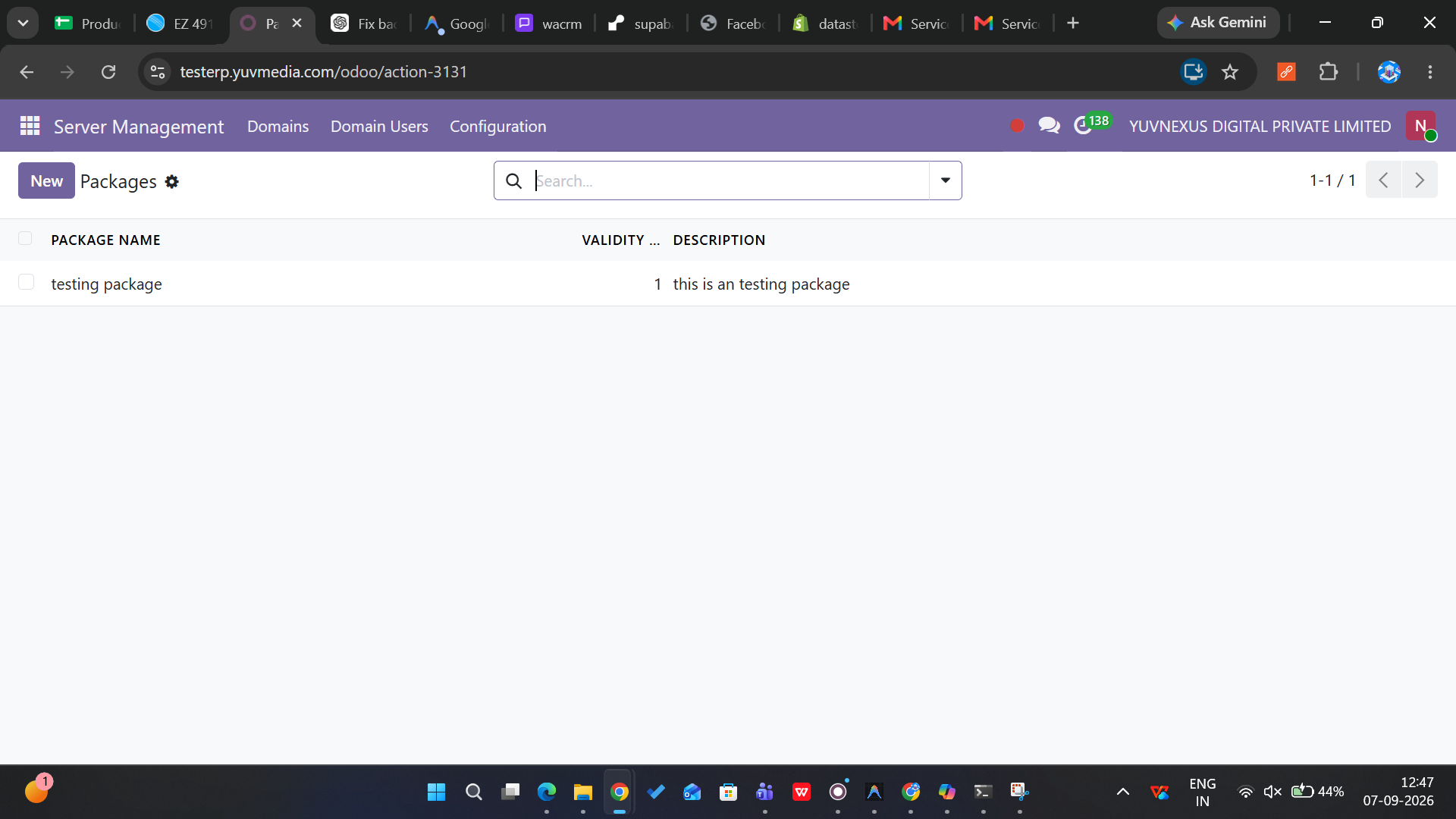
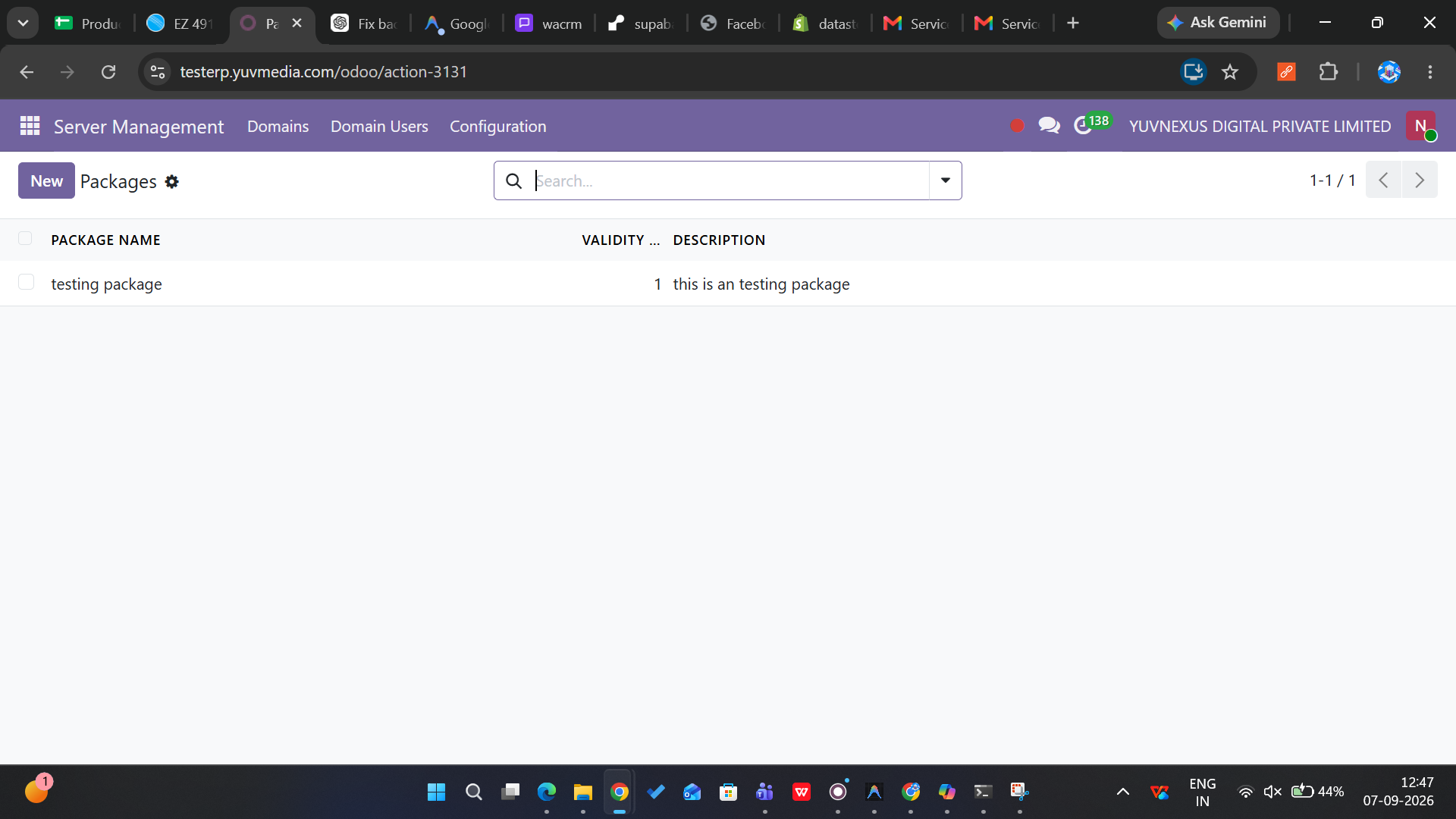
Define hosting packages with name, validity in months, and descriptions. Validity auto-computes expiry dates when combined with a subscription start date.
Control Panels
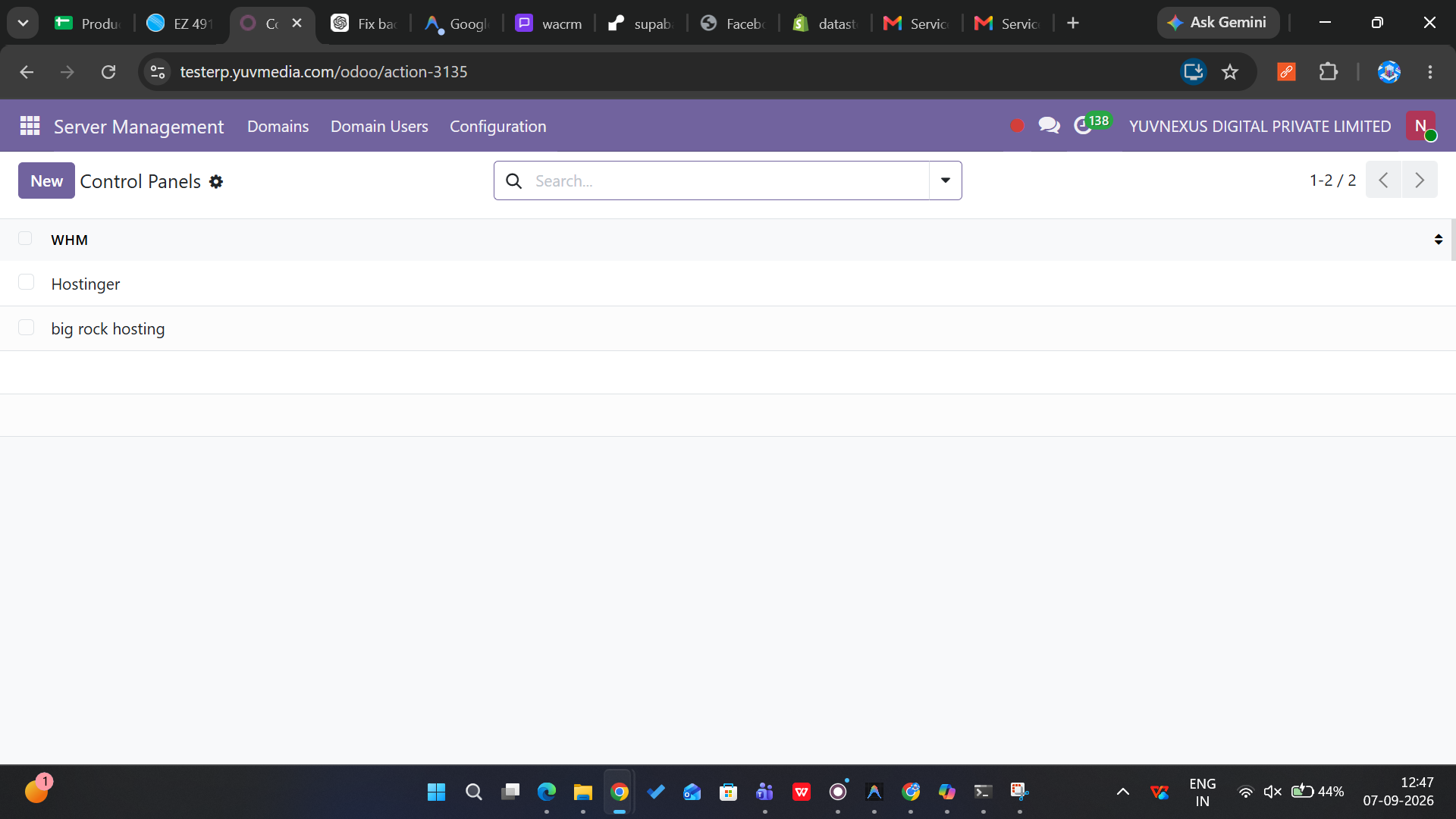
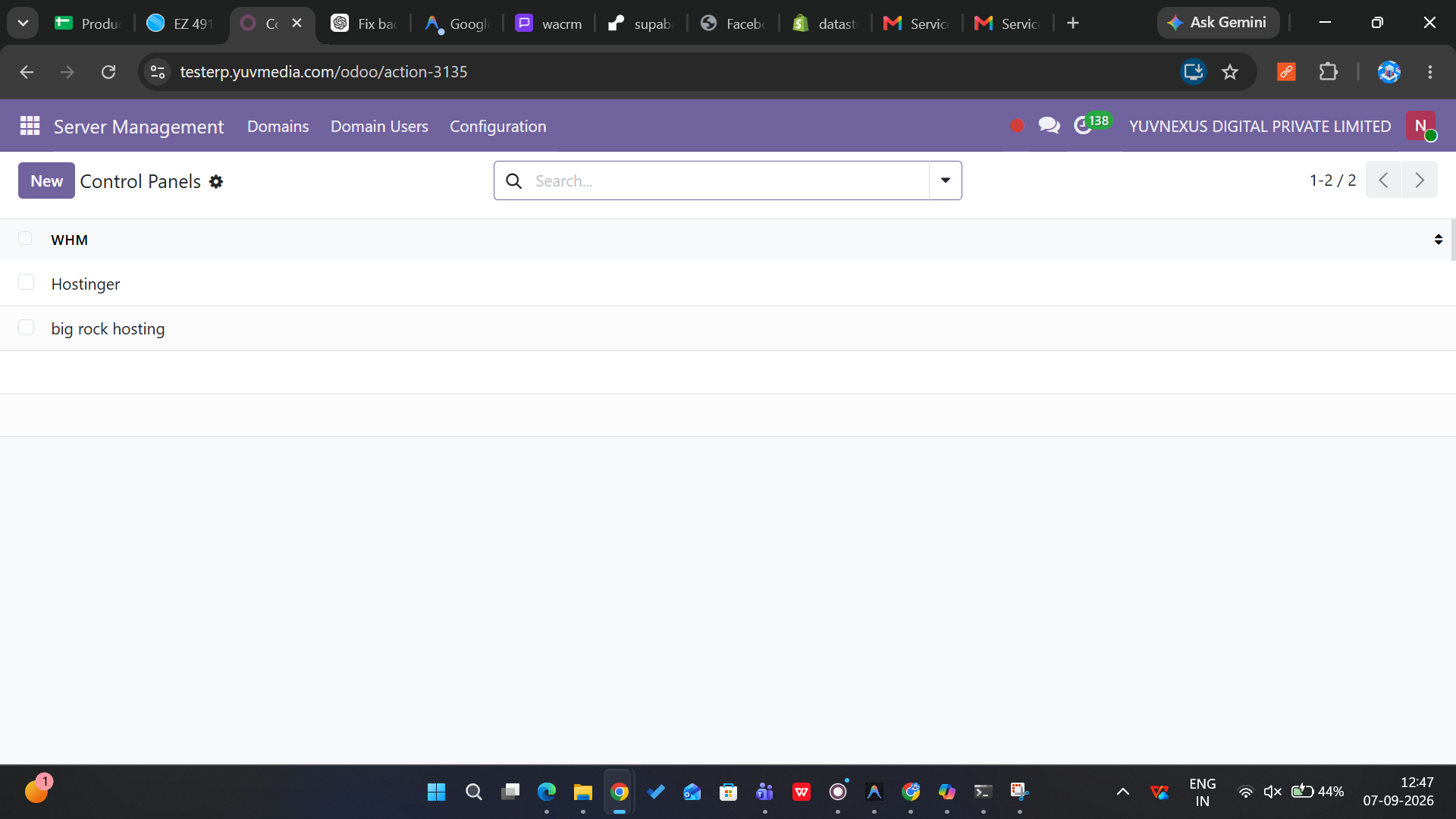
Manage WHM (Website Hosting Manager) instances and their cPanel accounts. cPanel selection is filtered by the chosen WHM for accurate hosting mapping.
Website Type Tags
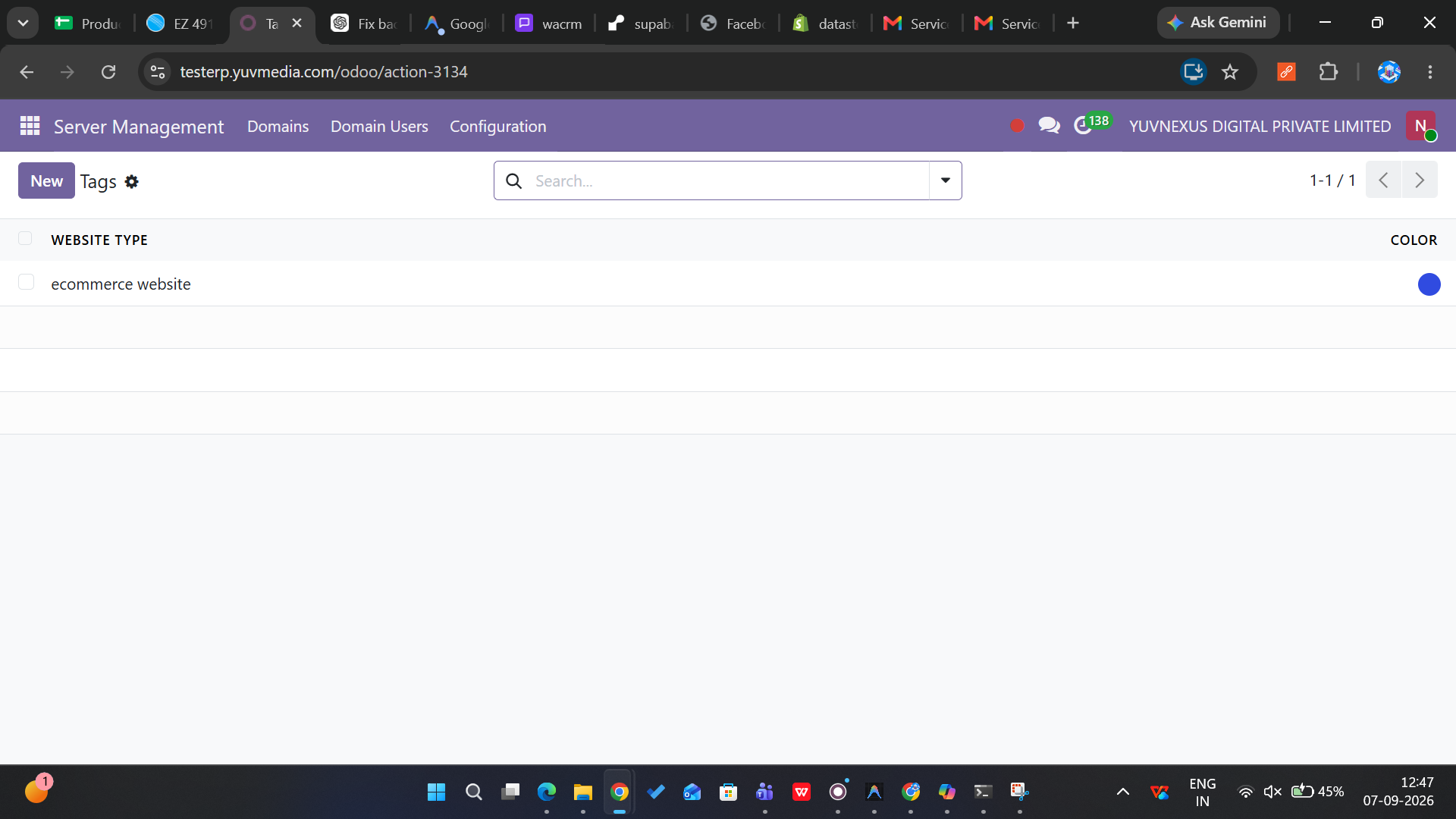
Classify domains by website type - e-commerce, blog, portfolio, and more. Color-coded tags with many-to-many relationships for flexible categorization.
Automated Lifecycle
Daily cron transitions server states automatically. Email alerts at 20 days, 7 days, and on expiry. Client status syncs between Active and Deactivated.
Watch the Demo
See how Server Management tracks domain subscriptions, automates expiry alerts, and syncs client status inside Odoo.
Module Screenshots
A glimpse of the Server Management interface inside Odoo.

How It Works
From deployment to fully automated domain lifecycle management in three simple steps.
Install Odoo 19
Set up Odoo 19 with PostgreSQL on your server. Place the custom module in the extra-addons directory and configure the addons path in your Odoo configuration file.
Install the Module
Activate Developer Mode, update the Apps List, search for Ym_ServerManagement and install. Create your first clients, packages, and domain records.
Automated Lifecycle
The daily cron automatically transitions server states, sends renewal emails at 20 and 7 days before expiry, and syncs client status between Active and Deactivated.
Ready to Automate Your Server Lifecycle?
Join businesses already managing their domain subscriptions with automated expiry tracking and notifications.
Book a Free Call