
 Home
 Partners
 Clients
 Career
 Blogs
 Case Studies
 Contact Us
Subscription Management for Odoo
Transform Odoo Sale Orders into a full-featured subscription management system. Handle recurring billing, track Monthly Recurring Revenue, manage the complete subscription lifecycle, and provide a customer-facing portal for self-service.
Module Components
Eleven data models that power the Subscription Management module inside Odoo.
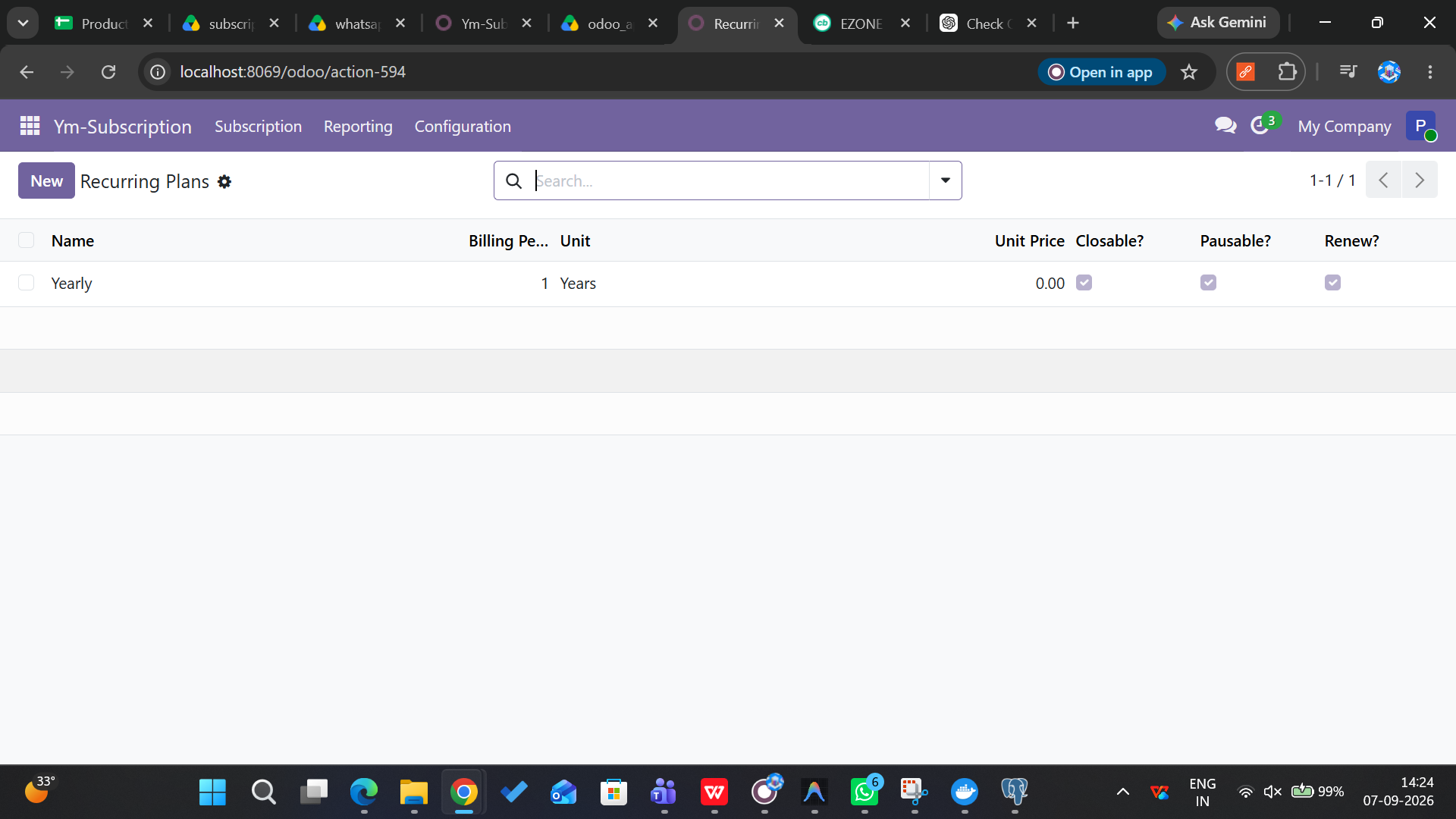
Subscription Plans
Define recurring billing plans with configurable duration, unit (days/weeks/months/years), pricing, and portal permissions for pause, close, renew, and add products.
Plan Pricing
Product-specific pricing within plans. Apply to individual products, categories, or all products with fixed prices, minimum quantities, and validity periods.
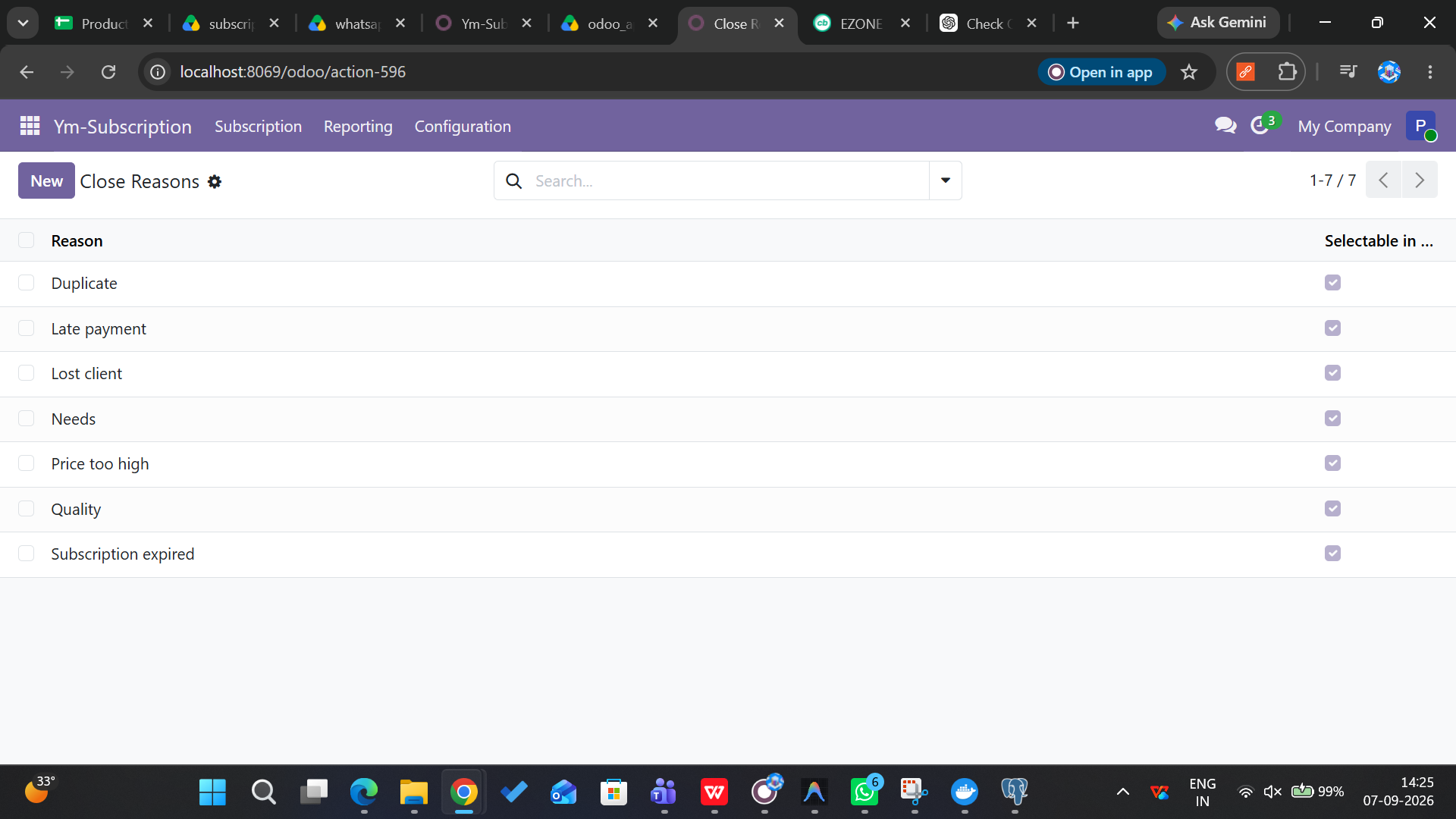
Close Reasons
Configurable close reasons with retention messages, call-to-action buttons, and portal visibility. Supports archiving and automatic SQL nullification on deletion.
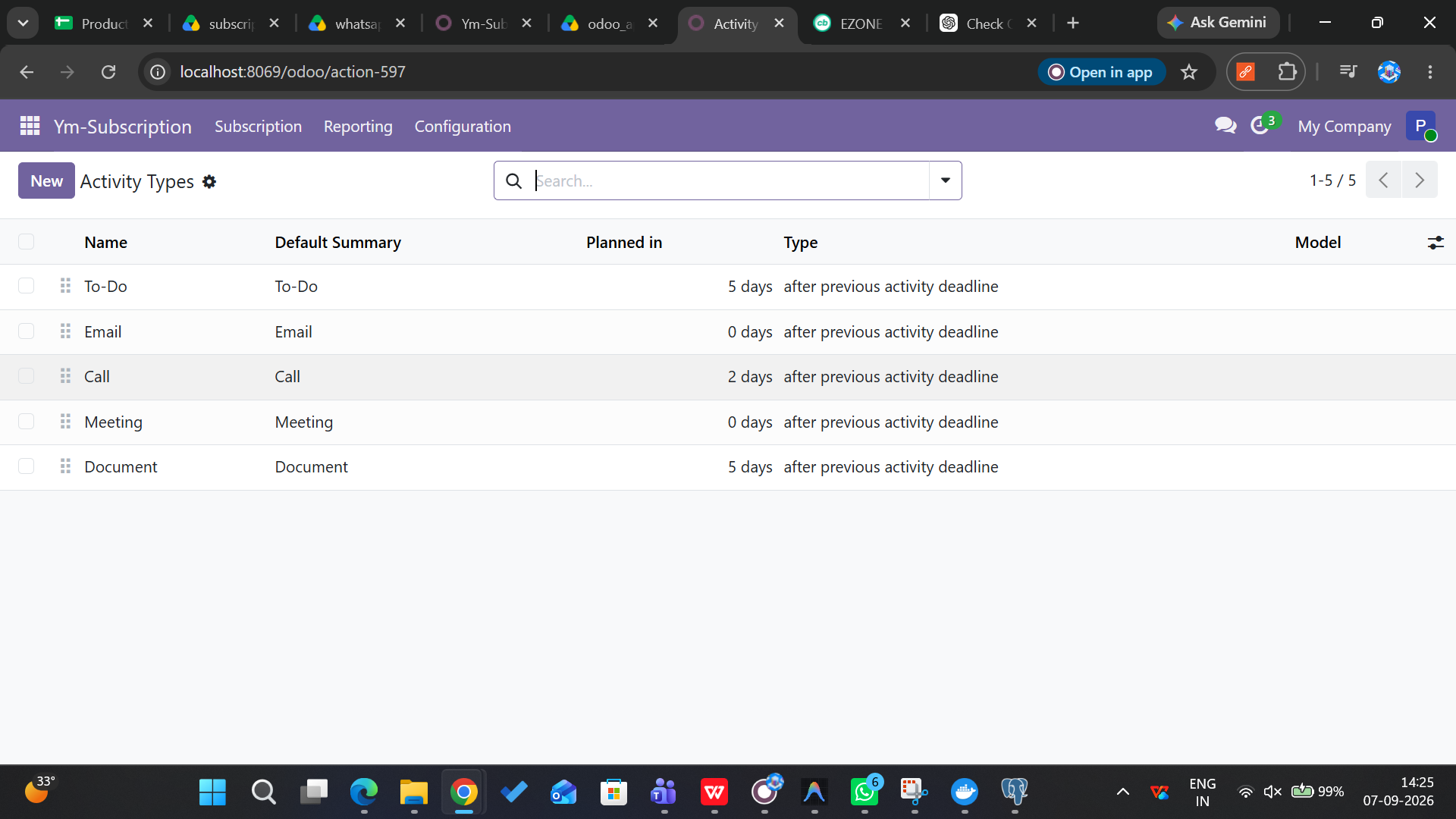
Activity Automation
Define automation rules that create Odoo activities on confirm, renew, or expire triggers. Schedule activities from activity plans based on lifecycle events.
Recurring Invoicing
Automated cron generates customer invoices, posts them, sends email templates, advances invoice dates, and respects per-line invoice limits.
MRR Tracking
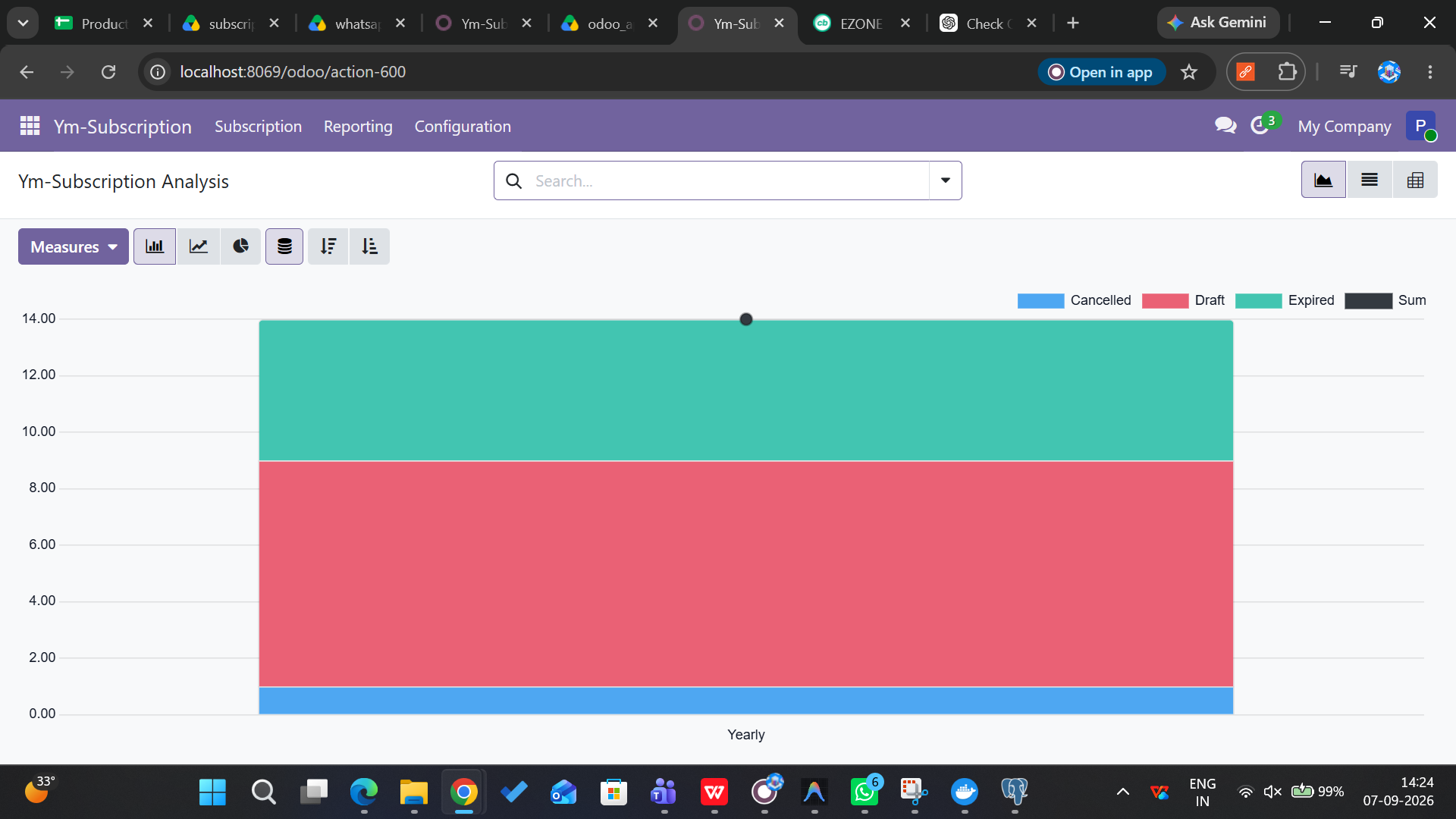
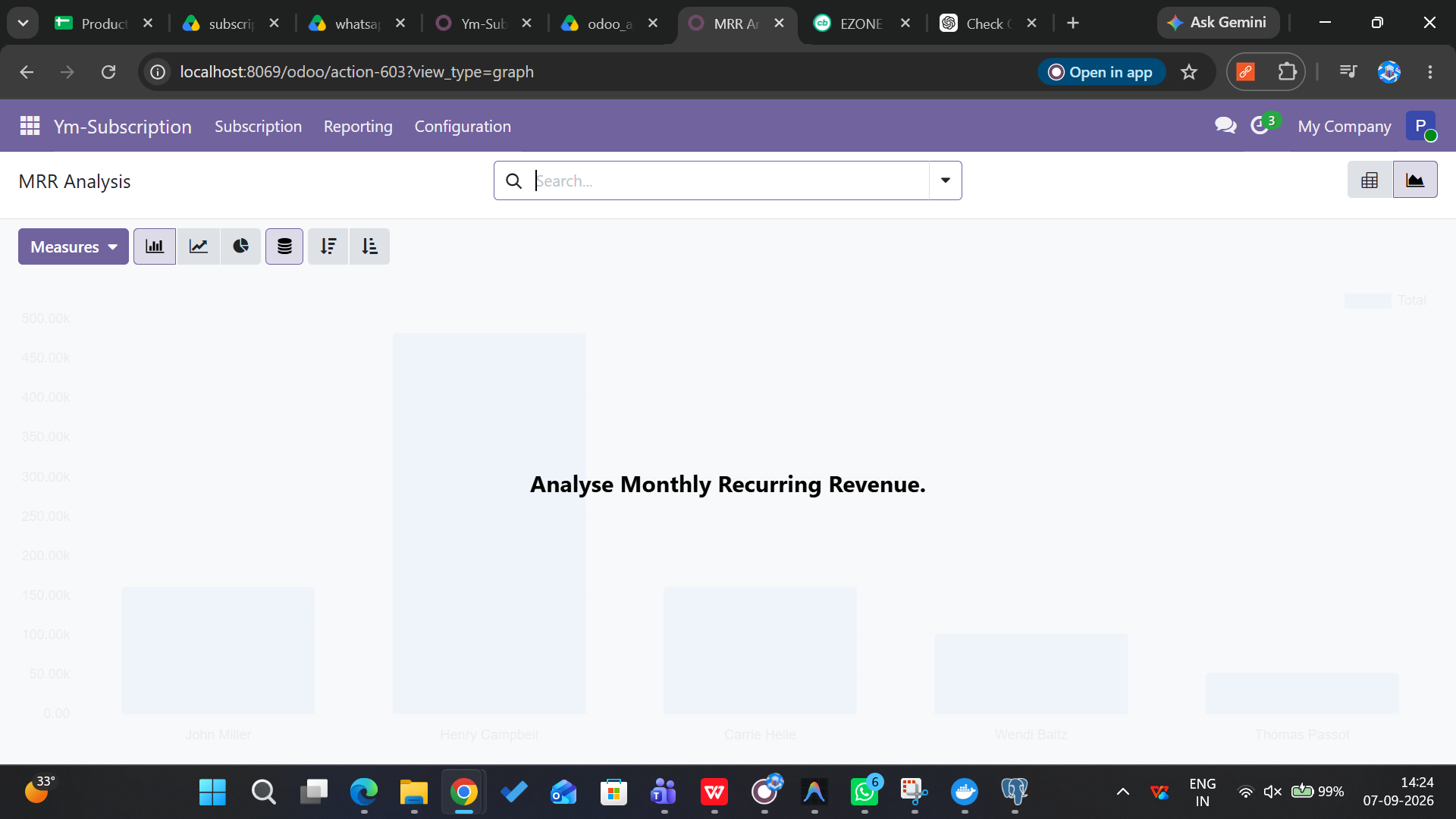
Monthly Recurring Revenue computed and normalized across all billing periods. Days, weeks, months, and years all convert to a standard monthly value.
Customer Portal
Self-service portal for subscribers to view subscriptions, renew, close with reason, switch plans, add products, pause, and restart - all via authenticated routes.
Lifecycle Management
Full subscription lifecycle from Draft to In Progress, Paused, Expired, and Cancelled. Status auto-computed from boolean flags and order state.
Renew & Upsell
Renew existing subscriptions or prepare upsell orders with new plans or products. Parent-child linking tracks subscription history across renewals.
Watch the Demo
See how ym_subscription manages recurring billing, tracks MRR, and automates the subscription lifecycle inside Odoo.
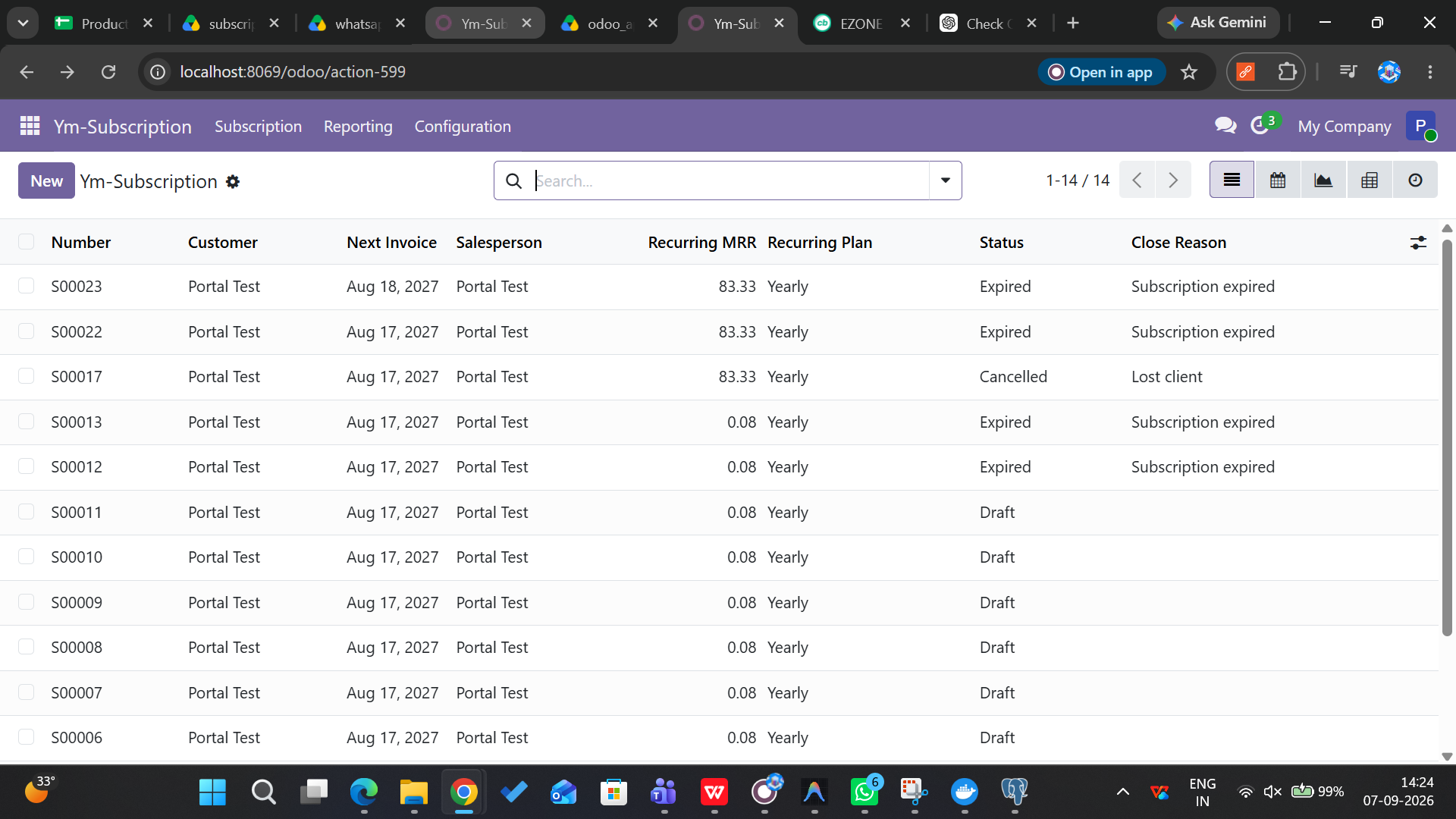
Module Screenshots
A glimpse of the Subscription Management interface inside Odoo.
How It Works
From installation to fully automated subscription lifecycle management in three simple steps.
Install Odoo 19
Set up Odoo 19 Community Edition with PostgreSQL. Place the ym_subscription module in the extra-addons directory and configure the addons path.
Configure Plans
Activate Developer Mode, update the Apps List, install ym_subscription. Create recurring plans, define pricing, set up close reasons and automation rules.
Automated Lifecycle
Cron jobs auto-generate recurring invoices, send expiration reminders, expire overdue subscriptions, and manage the full lifecycle from Draft to Cancelled.
Ready to Automate Your Subscriptions?
Join businesses already managing their recurring revenue with automated invoicing, lifecycle management, and customer self-service portal.
Book a Free Call